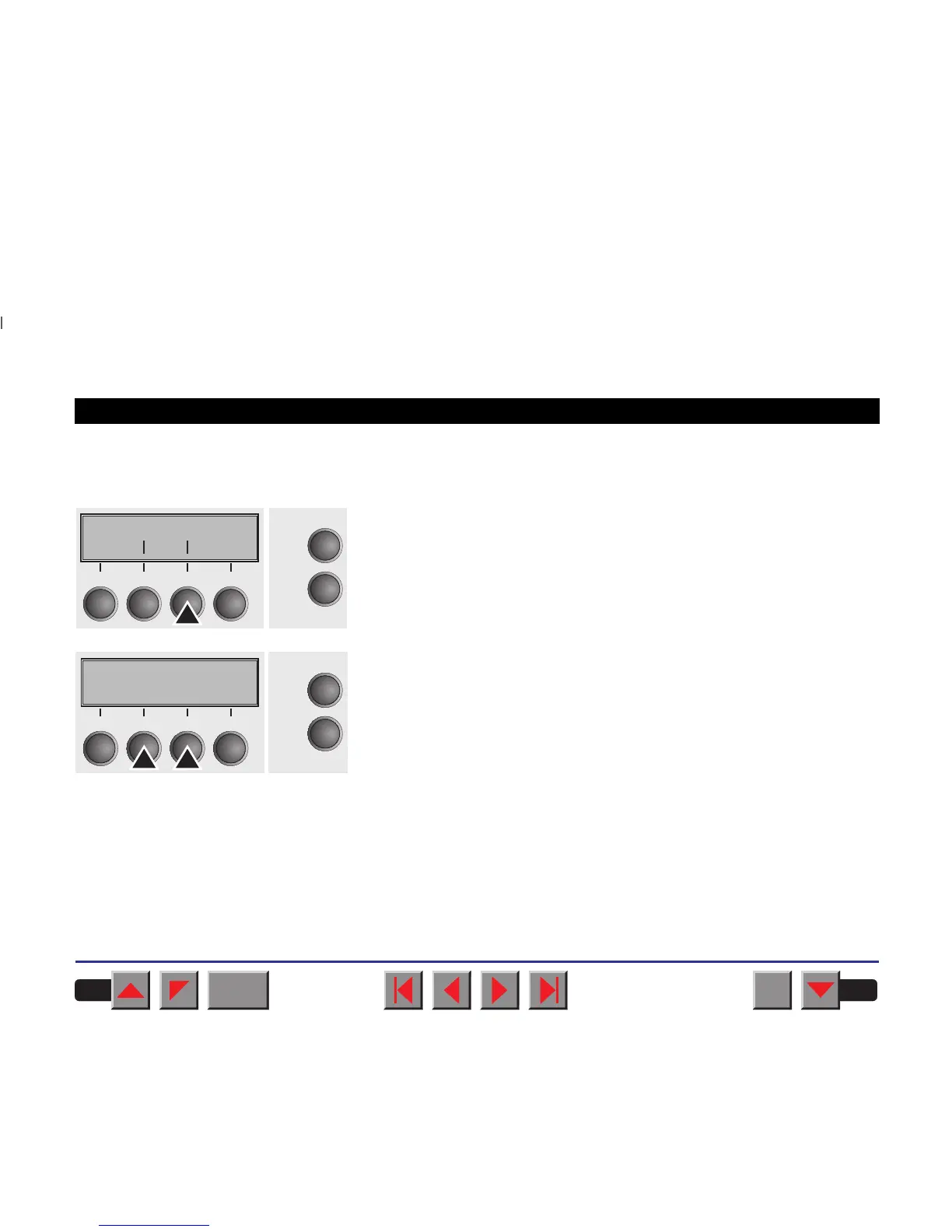
➤ Setting the AGA function This function allows you to switch the Automatic Gap Adjustment (AGA)
off or on.
Select the AGA menu (3).
Setting options: Off/once/always
Default setting: always
AGA=always: The printer checks the paper thickness:
– after power-on
– in single-sheet mode: every sheet
– in fanfold paper mode: each time the paper path is changed and at
paper end.
AGA=once: The printer checks the paper thickness only once after
power-on for each selected paper path and after paper end.
AGA=Off: selects manual gap adjustment; the value can be set for each
paper source and each of the 3 menus available.
Confirm the setting by pressing the key Set (1). The printer automatically
leaves Testmode and assumes Online mode.
Formlen AGA
Online
Setup
Back Next
21
3
4
AGA=always *AGA=always *
OnlineOnline
SetupSetup
Set < > ExitSet < > Exit
2211
33
44
BACK
QUIT
?
PRINT
Reference manual Mechanical adjustments to the printer
80














 To Next Page