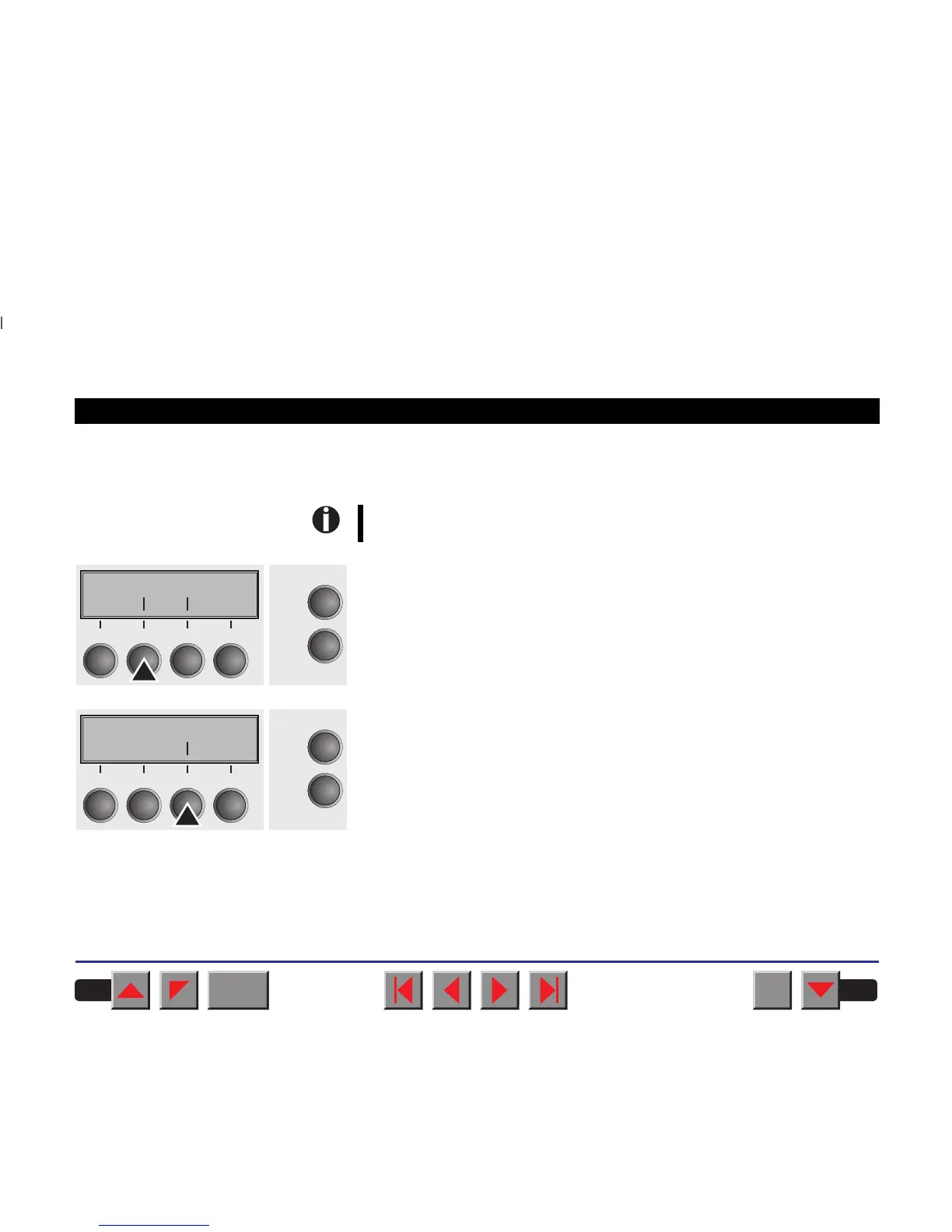
➤ Setting the first printing
line (TOF)
You can use the TOF function for setting the position of the first printing
line for each paper source and each menu individually.
Before using the TOF function (if fanfold paper is used), you should
first set the tear position (see above).
Press the Setup key. The printer changes to setup mode.
Press the Adjust key.
Press the TOF key.
The paper is fed to the position where the bottom edge of the first prin-
ting line is aligned with the tear edge. The factory setting for the first
printing position (TOF) is 12/72".
Adjust Paperway
Menu Char
Online
Setup
21
3
4
TOF
Head Tear
Online
Setup
21
3
4
BACK
QUIT
?
PRINT
Reference manual Settings (II)
42














 To Next Page