BACK
QUIT
?
PRINT
Reference manual Mechanical adjustments to the printer
86
➤ Physical left margin (Physlm)
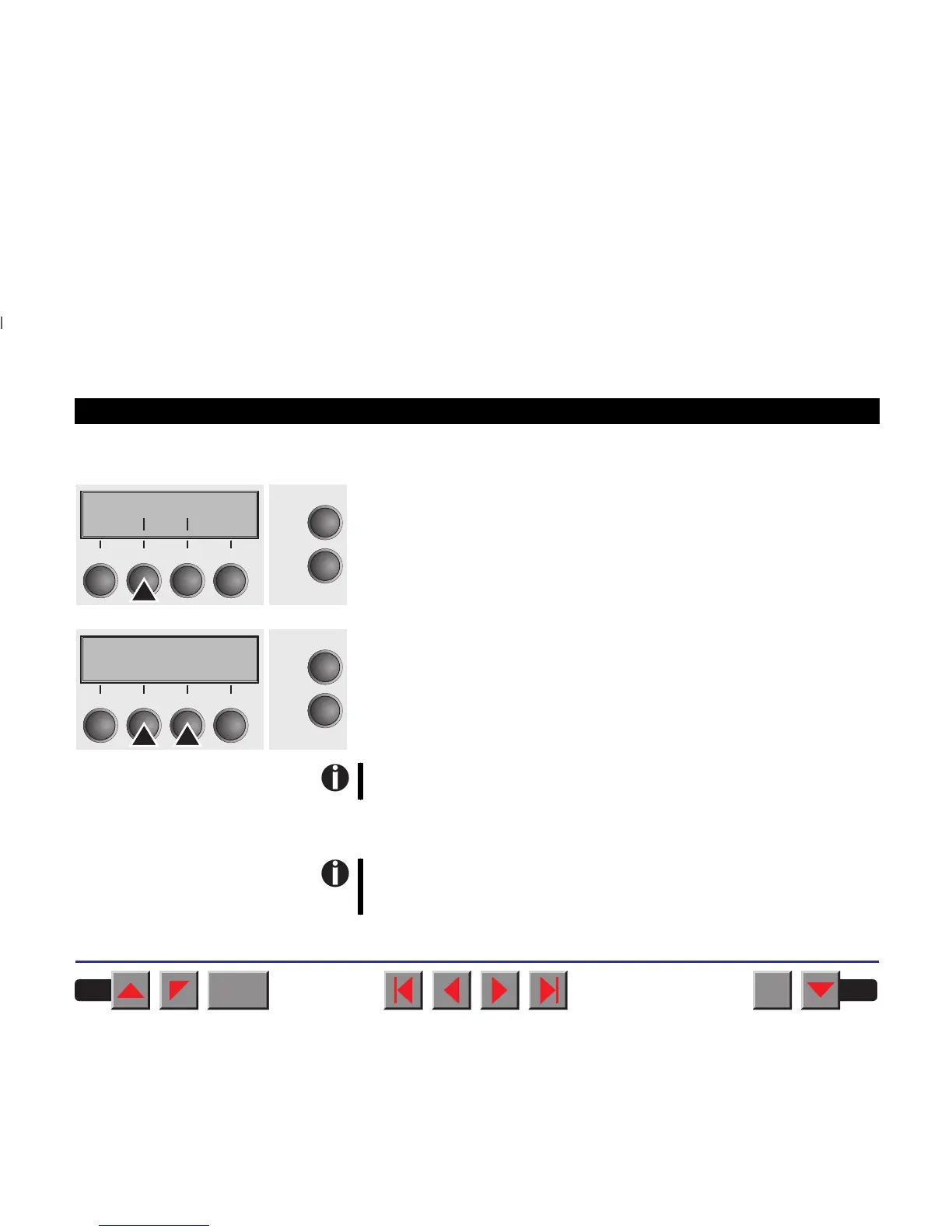
Select the Physlm menu (2).
Setting otpions: 0 to 30 in 1/10 inch steps
Default setting: 0 1/10 inch
Permanent (physical) setting of the left margin. This parameter cannot
be changed by emulation-dependent margin settings. Margin setting
values entered by ESC sequences are added to the Physlm.
Note that this value is subtracted from the maximum printing width
of 8 or 13.6 inches.
Confirm your settings by pressing the Set key (1).
All parameters described in the Paphand group may also be de-
fined via an ESC sequence (see chapter
Emulations
or the
Programmer’s Application Manual
).
Physlm
Online
Setup
Back Next
21
3
4
Physlm= 0/10" *
Online
Setup
Set < > Exit
21
3
4














 To Next Page