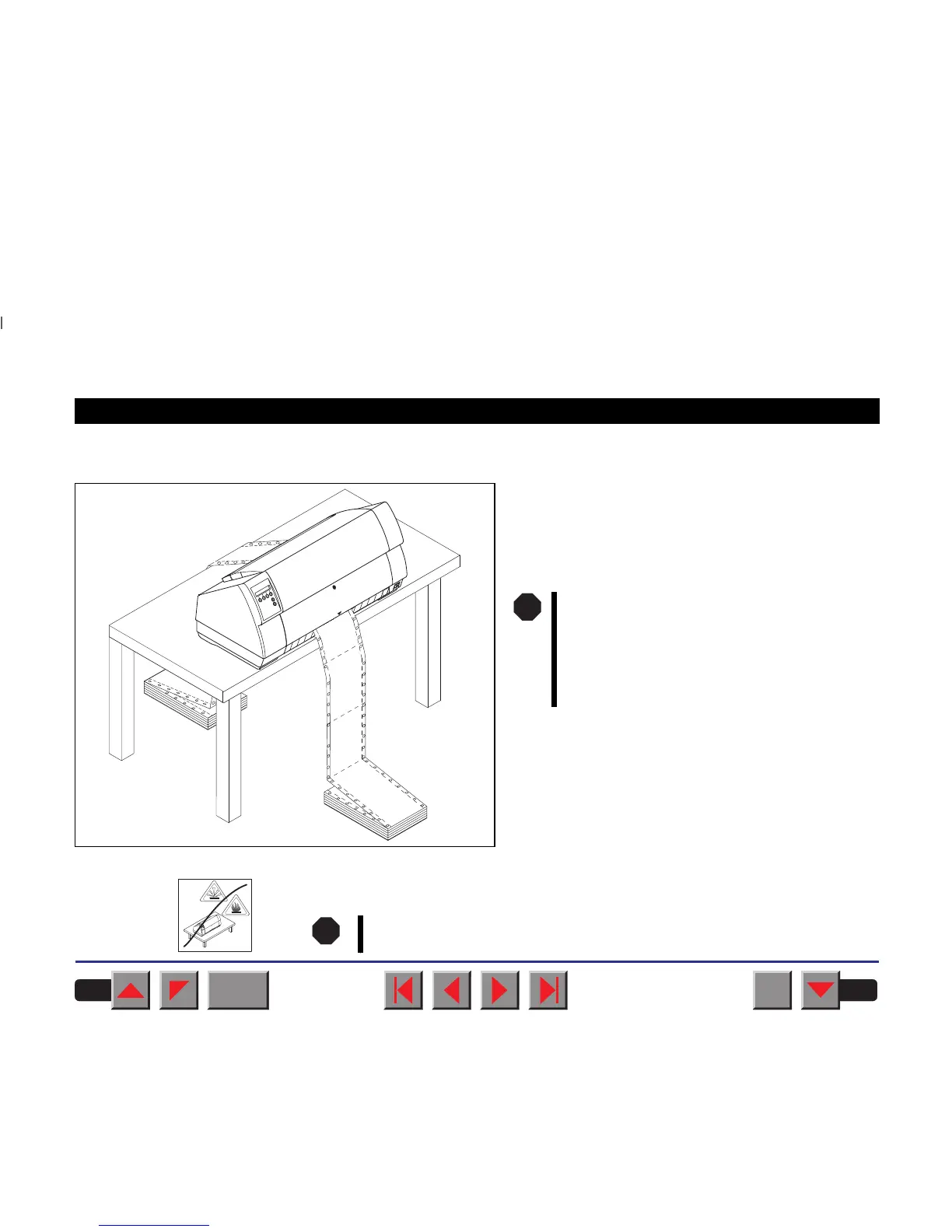
➤ Placing your printer
Place the printer on a solid, flat and non-slip surface
in such a way that it cannot fall down. Make sure to
facilitate access to the control panel and the paper in-
put trays and to leave sufficient space for the paper
ejected.
When selecting the printer location, observe the following additional in-
structions:
Never place the printer in the vicinity of easily inflammable gas or
explosive substances.
The power supply cable may be damaged
if the paper edges constantly chafe the
insulating sheath. The user must always
ensure that there is sufficient distance
between the power supply cable and the
paper.
STOP
STOP
BACK
QUIT
?
PRINT
Reference manual Installation
5














 To Next Page