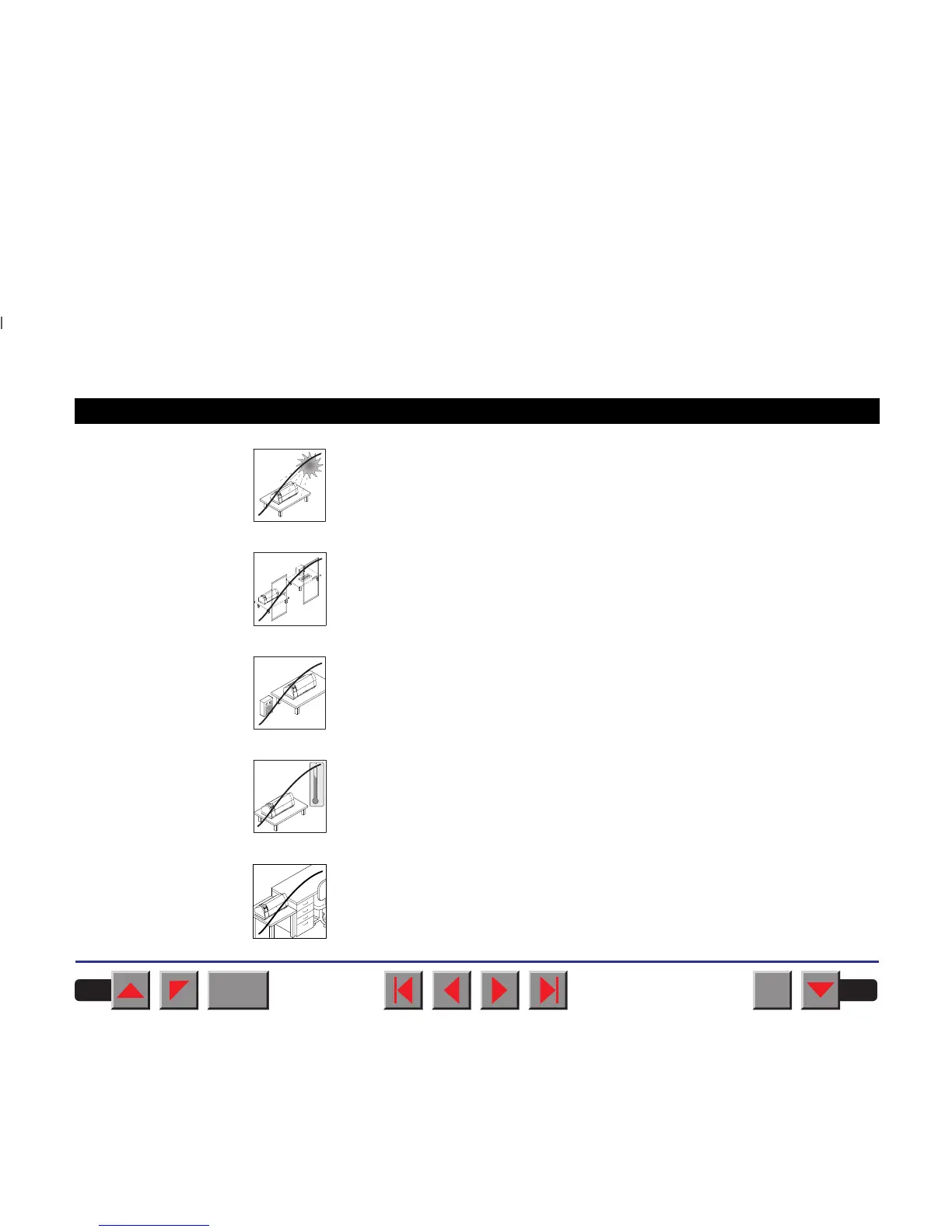
Do not expose the printer to direct sunlight. If you cannot avoid placing the
printer near a window, protect it from the sunlight with a curtain.
When connecting the computer with the printer, make sure not to exceed the
permitted cable length (see
Technical specifications
).
Ensure sufficient distance between the printer and any heating radiators.
Avoid exposing the printer to extreme temperature or air humidity
fluctuations. Protect the printer from dust.
It may be recommended to install the printer in a place which is acoustically
isolated from the workplace because of the noise it may produce.
1
2
0
10
0
-10
20
30
40
50
60
70
80
90
C
BACK
QUIT
?
PRINT
Reference manual Installation
6














 To Next Page