Loading paper
Your printer can print both fanfold paper and single sheets. For informa-
tion on the paper sizes you can use, please refer to the chapter
Technical specifications).
➤Fanfold paper
BACK
QUIT
?
PRINT
Reference manual Loading paper
28
Remove the paper support for single sheets.
Make sure that the printer is set for fanfold paper
printing. If necessary, change the paper type (see
Paper path quick selection
).
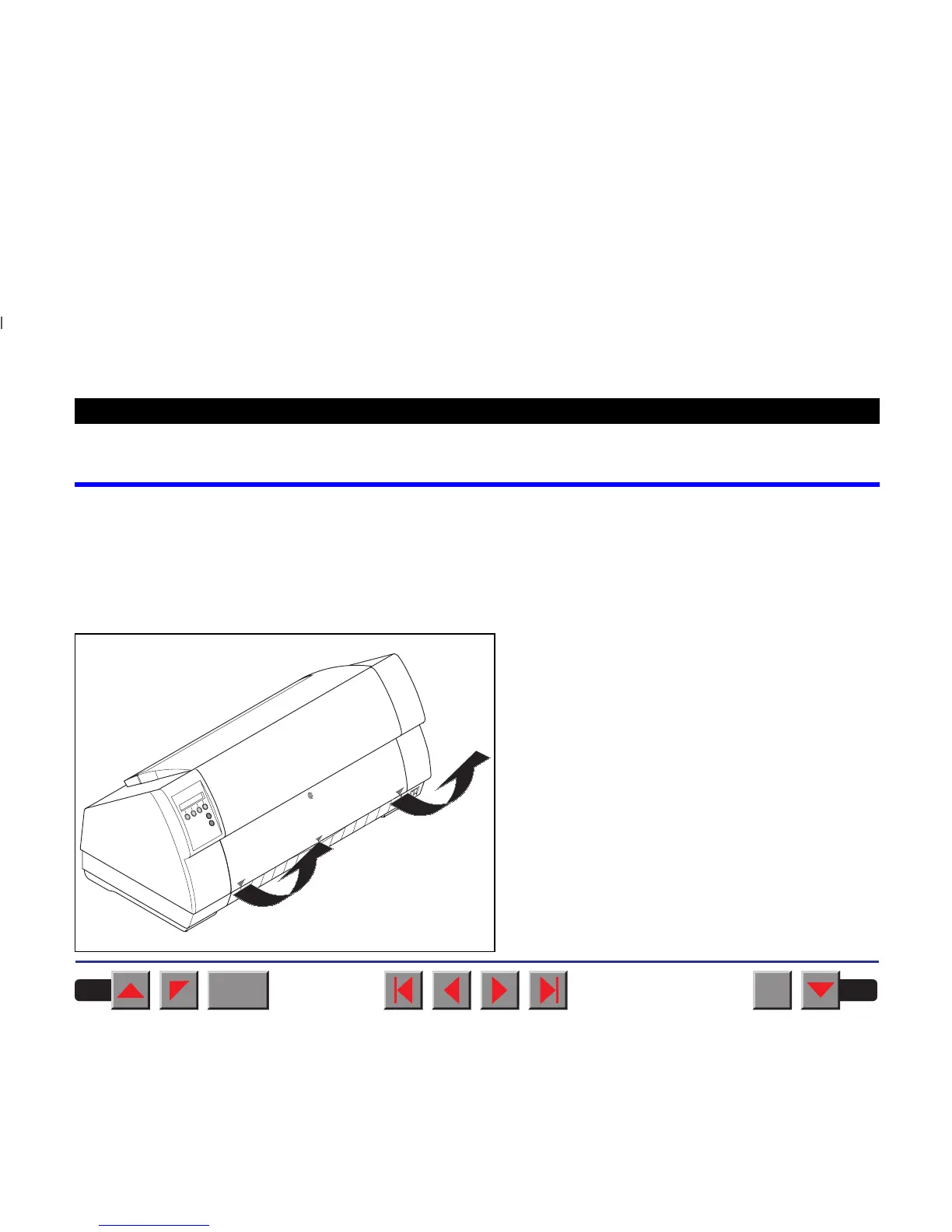
Raise the front cover, taking it by the areas marked
with arrows on theleft and right.
pull to open
pull to open














 To Next Page