➤ Moving the paper to the
tear position
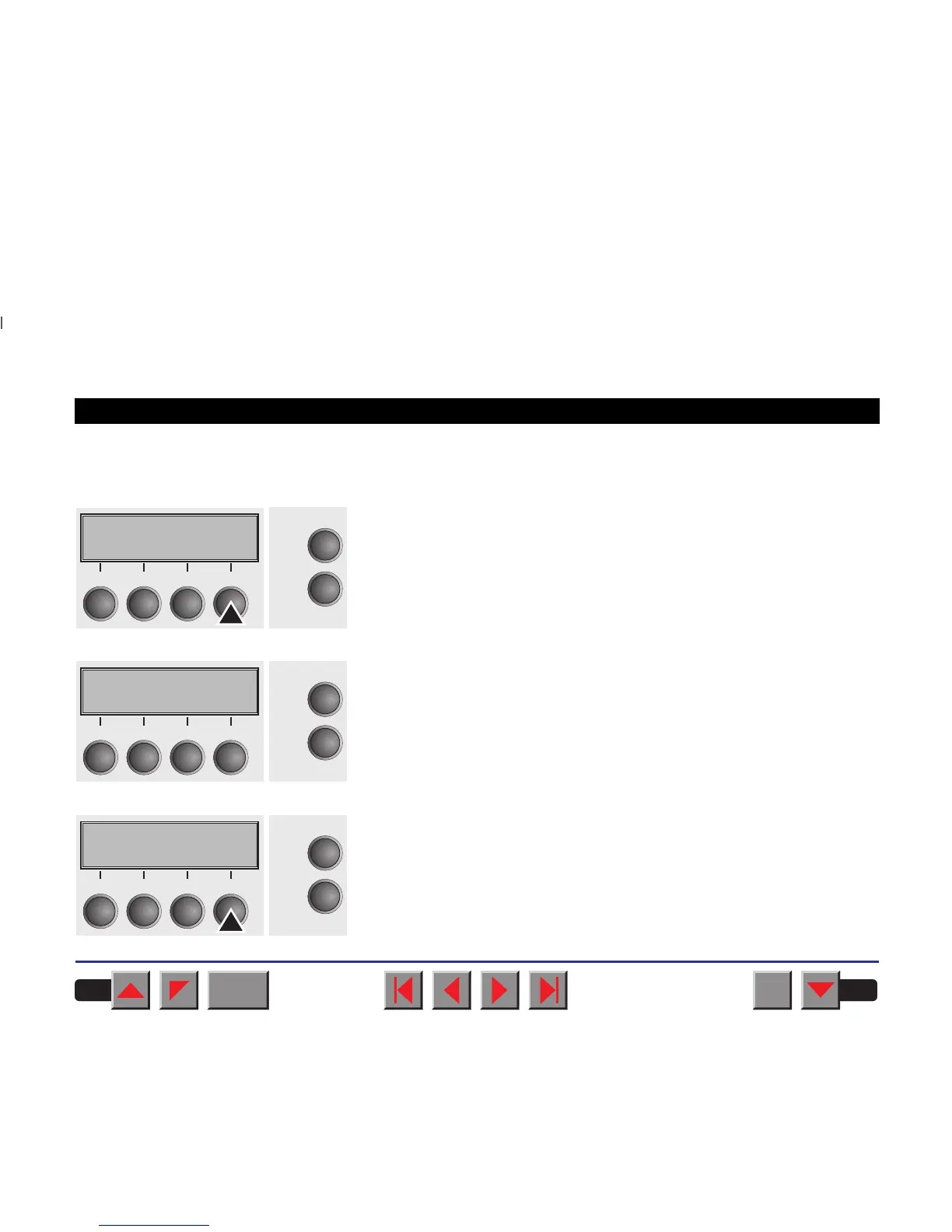
You can use the Tear key to move the paper to the tear position.
Make sure that the printer is in online mode. Press the Tear key. The
printer moves the perforation edge of the fanfold paper to the tear edge.
The display alternates between…
and…
After having torn off the paper, press the Exit key. The printer returns the
paper to the printing position.
If a print job is active, the printer returns the paper automatically to the
printing position.
Online Tractor1
Tear
Online
Setup
21
3
4
Tear position
Tractor1
Online
Setup
21
3
4
Online Tear
Exit
Online
Setup
21
3
4
BACK
QUIT
?
PRINT
Reference manual Handling
38














 To Next Page