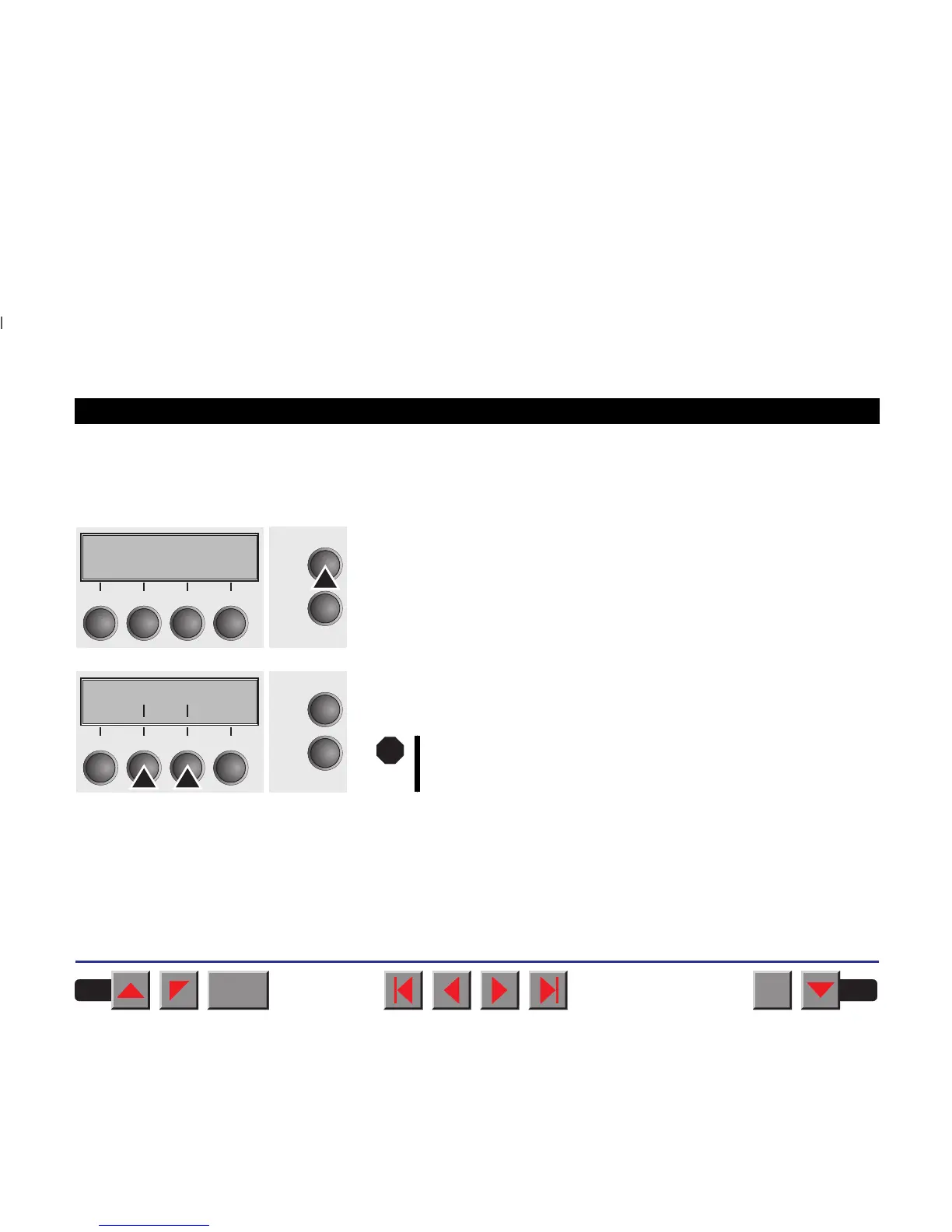
➤ Printer self-test
(Rolling ASCII)
To check operational readiness, your printer contains a self-test routine
which allows testing of the printer configuration, the print quality and cor-
rect operation of your printer.
Before performing a self-test, your printer must be switched off. Ensure
that paper and a ribbon are inserted. Keep the key Online pressed
while switching on the printer, until Testmode appears on the display.
The display offers you the selection between ASCII 80 (80 ASCII characters
are printed per line) and ASCII 136 (136 ASCII characters are printed per
line).
Press the soft key for the ASCII 80 format (corresponds to Legal Portrait) or
for ASCII 136 (Double or Legal Landscape). The display will indicate
Test mode Off.
Testmode
Initializing ...
Online
Setup
21
3
4
ASCII80 ASCII136
Online
Setup
Back Next
21
3
4
Make sure that the selected format (ASCII 80 or ASCII 136)
matches your paper format; otherwise the printer may be
mechanically damaged.
STOP
BACK
QUIT
?
PRINT
Reference manual Test functions
71














 To Next Page