BACK
QUIT
?
PRINT
Reference manual Loading paper
34
➤ Single sheets
If required, install the paper support.
Make sure that the printer is set to single sheet
mode. If necessary, change the paper type (see
Paper path quick selection
).
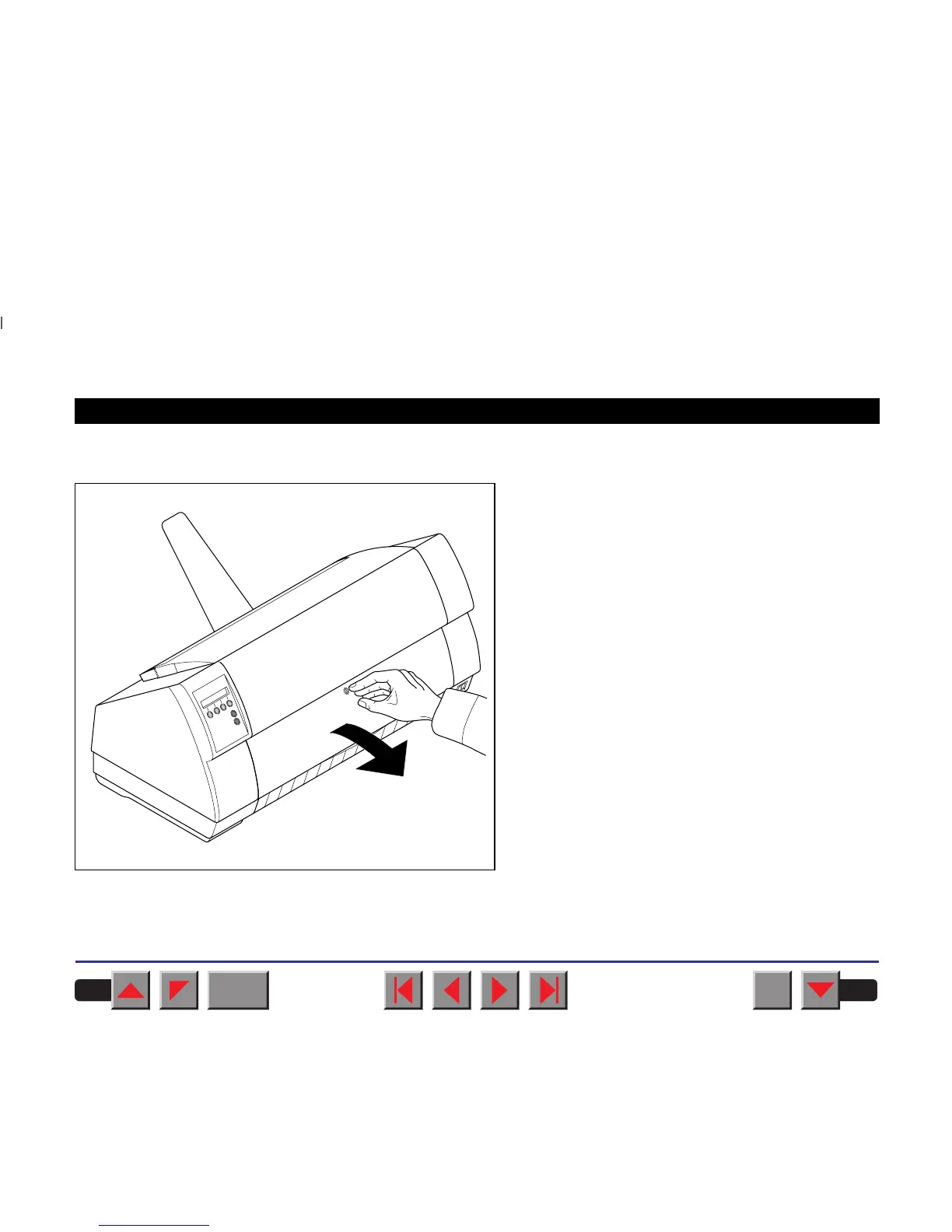
Press the latch at the middle of the front cover. The
single sheet input tray opens downwards.














 To Next Page