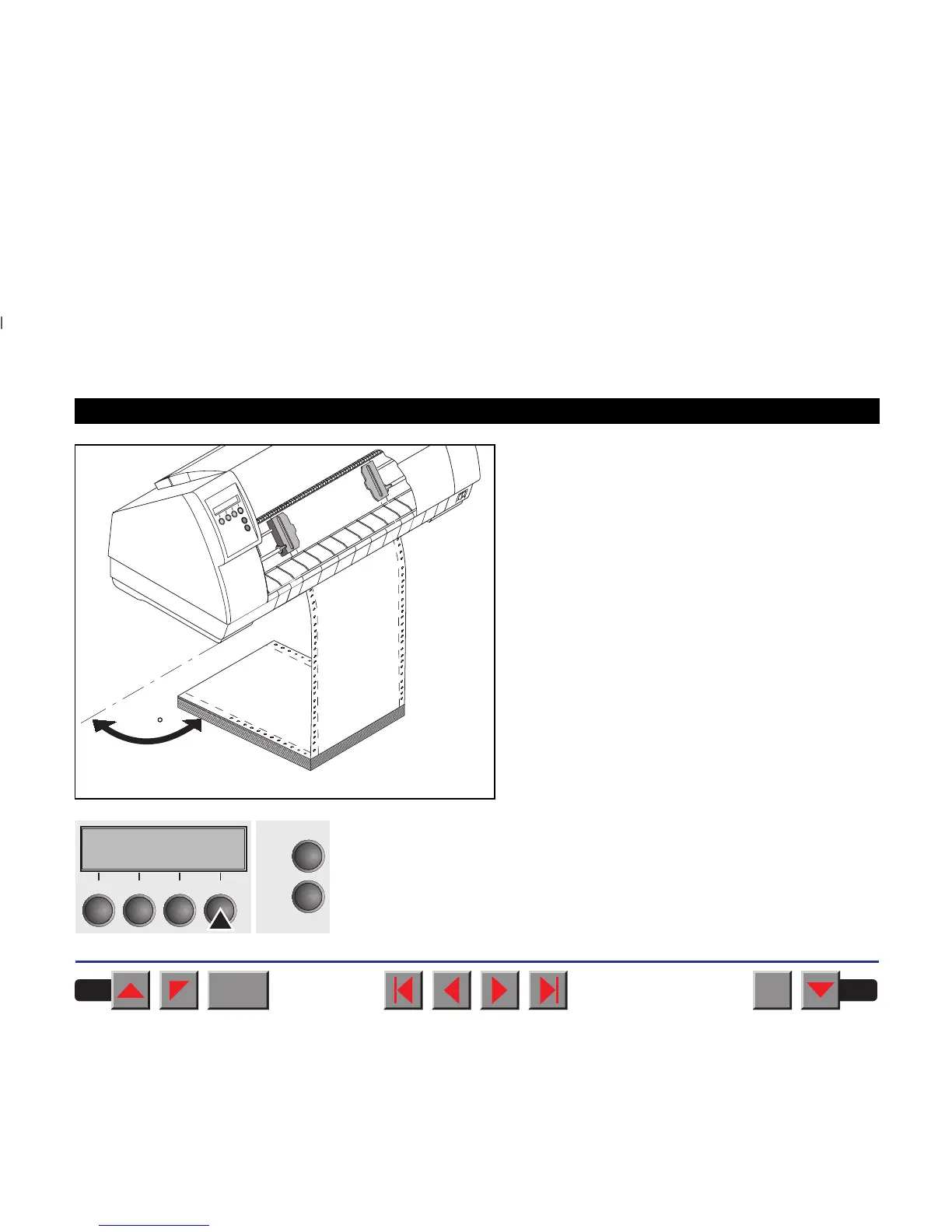
Make sure that the paper stack is aligned in parallel
to the printer and that the paper supply cannot be ob-
structed.
Switch on the printer. The active paper source (Tractor1) appears in the
display. The paper is automatically loaded when the printer is in online
mode and receives data from the computer. Press the Load key to load
paper before starting the printout.
9090
Online Tractor1Online Tractor1
LoadLoad
OnlineOnline
SetupSetup
2211
33
44
BACK
QUIT
?
PRINT
Reference manual Loading paper
33














 To Next Page