➤ Tractor 3
Preparing the printer Select the Tractor3 parameter with the paper path quick selection featu-
re (see chapter
Settings [I]
,
Paper path quick selection
), in the Setup
menu of the printer (see chapter
The menu
) or via an application pro-
gram.
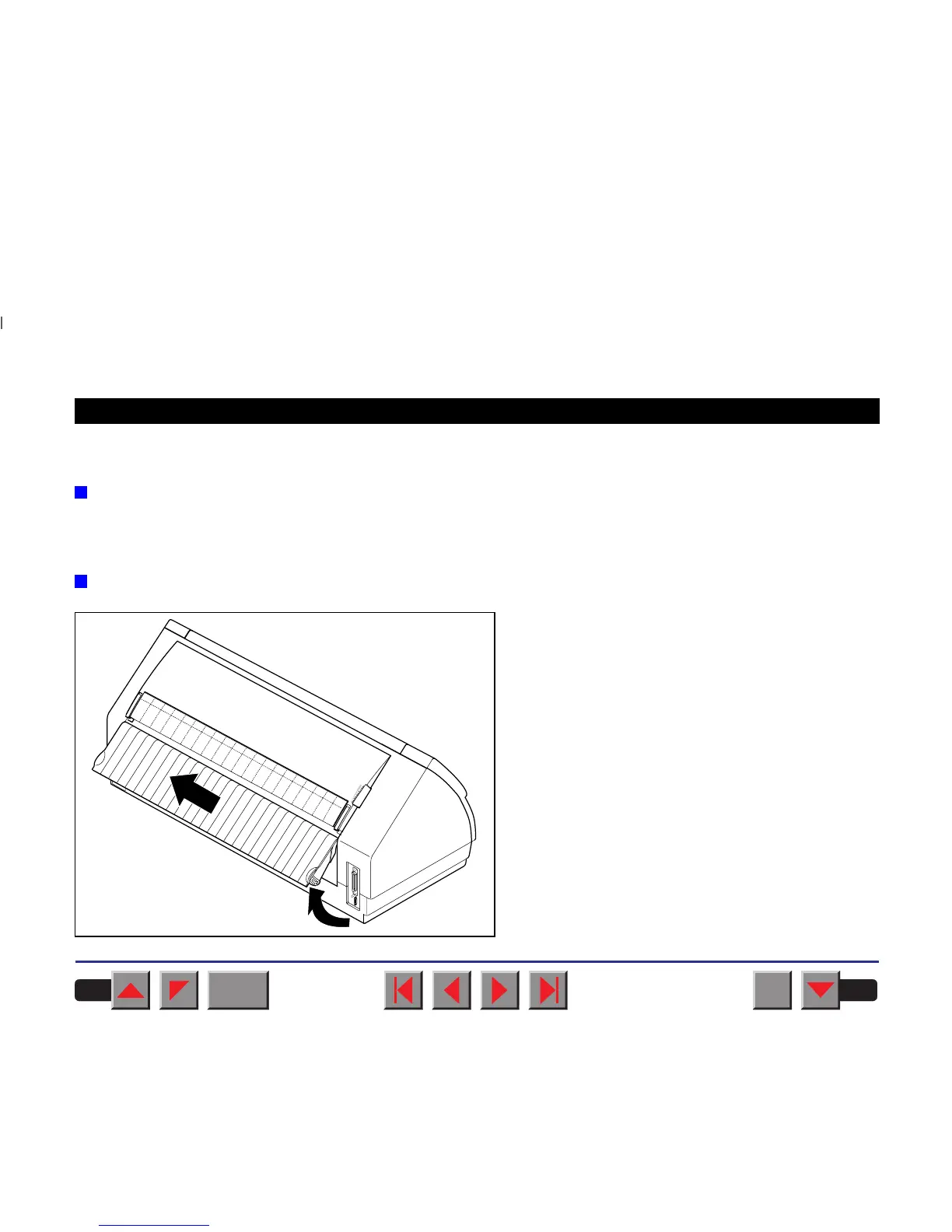
Installing the tractor 3
Raise the rear cover so that it is aligned with the prin-
ter top side and remove it.
BACK
QUIT
?
PRINT
Reference manual Options and Accessories
195














 To Next Page