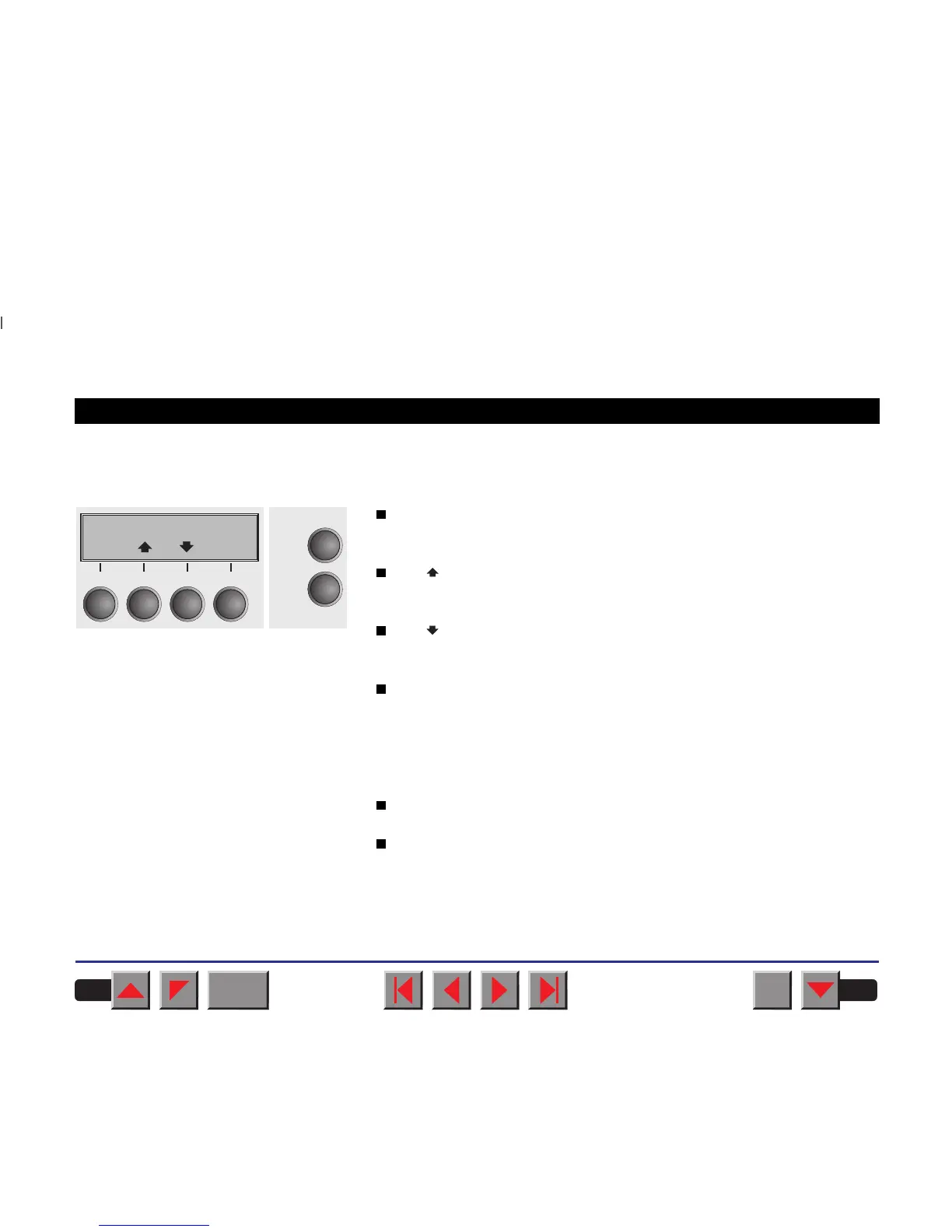
➤ Offline mode Only in this mode it is possible to perform step, line, or form feeds from the
control panel (see
Paper transport
); however, data cannot be received.
Park key (1):
Clears the paper path with paper loaded and activates paper path quick
selection (see
Changing the paper type
).
Key (2):
Short keypress: Microstep forward.
Long keypress: Continuous paper feed.
Key (3):
Short keypress: Microstep reverse.
Long keypress: Continuous paper reverse feed up to the park position.
Load key (4):
Loads paper from the selected paper source; the display changes to
LF/FF.
LF/FF key:
Short keypress: Line Feed (LF)
long keypress: Form Feed (FF).
Setup key:
Sets the printer to setup mode.
Online key:
Sets the printer to online mode.
Offline Tractor1
Load
Online
Setup
Park Load
2
1
3
4
BACK
QUIT
?
PRINT
Reference manual The control panel
15














 To Next Page