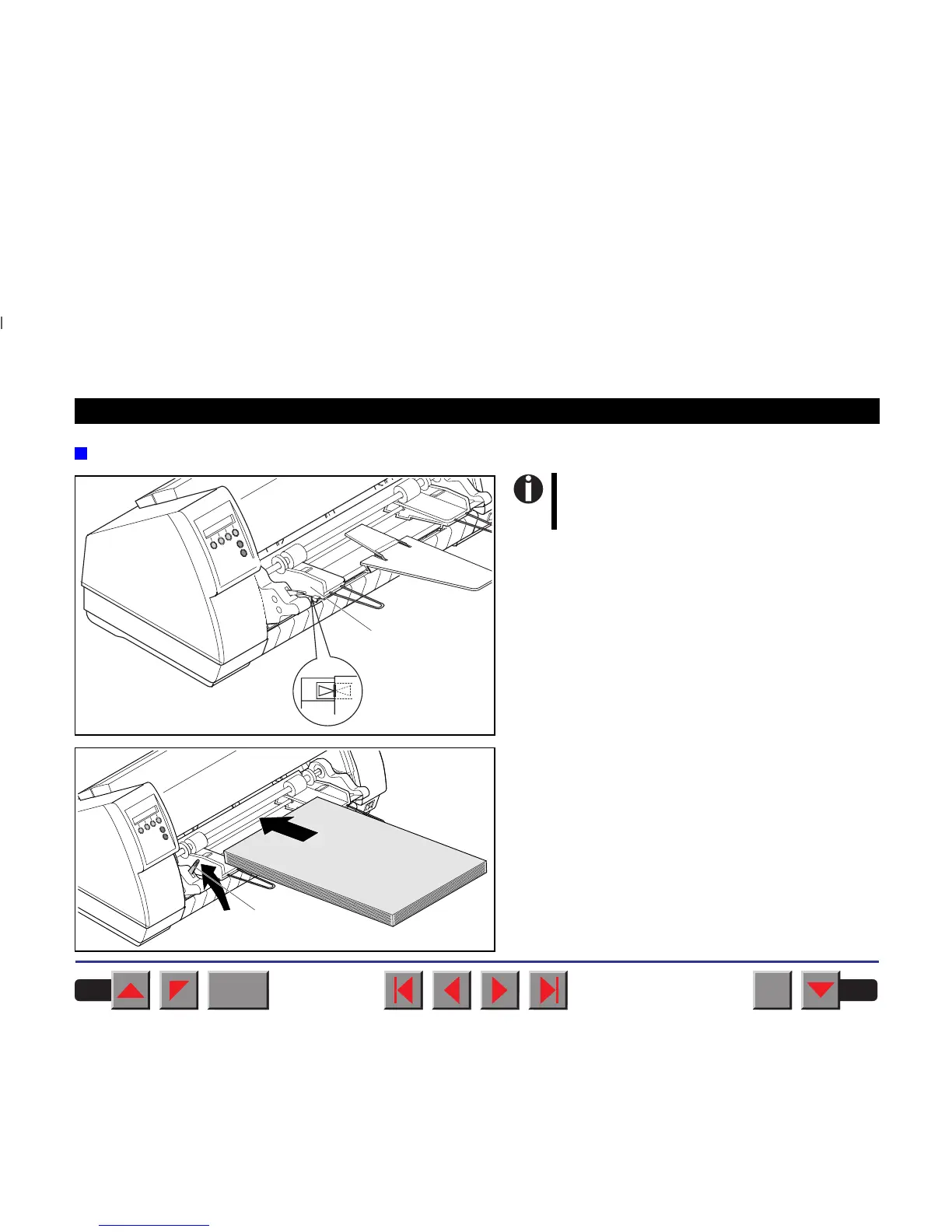
Inserting paper
Align the left-hand paper guide ➀ with the mark for
the left-hand printing position to ensure that the first
character is printed on the paper.
Fan the paper and then align the edges before
loading it into the paper tray.
Raise the fixing lever ➀ on the left side of the ASF-F
and insert the paper stack.
➀
For more rigid paper, we recommend to
remove the tear rail for fanfold paper in
order to increase the stacking capacity.
➀
BACK
QUIT
?
PRINT
Reference manual Options and Accessories
185














 To Next Page