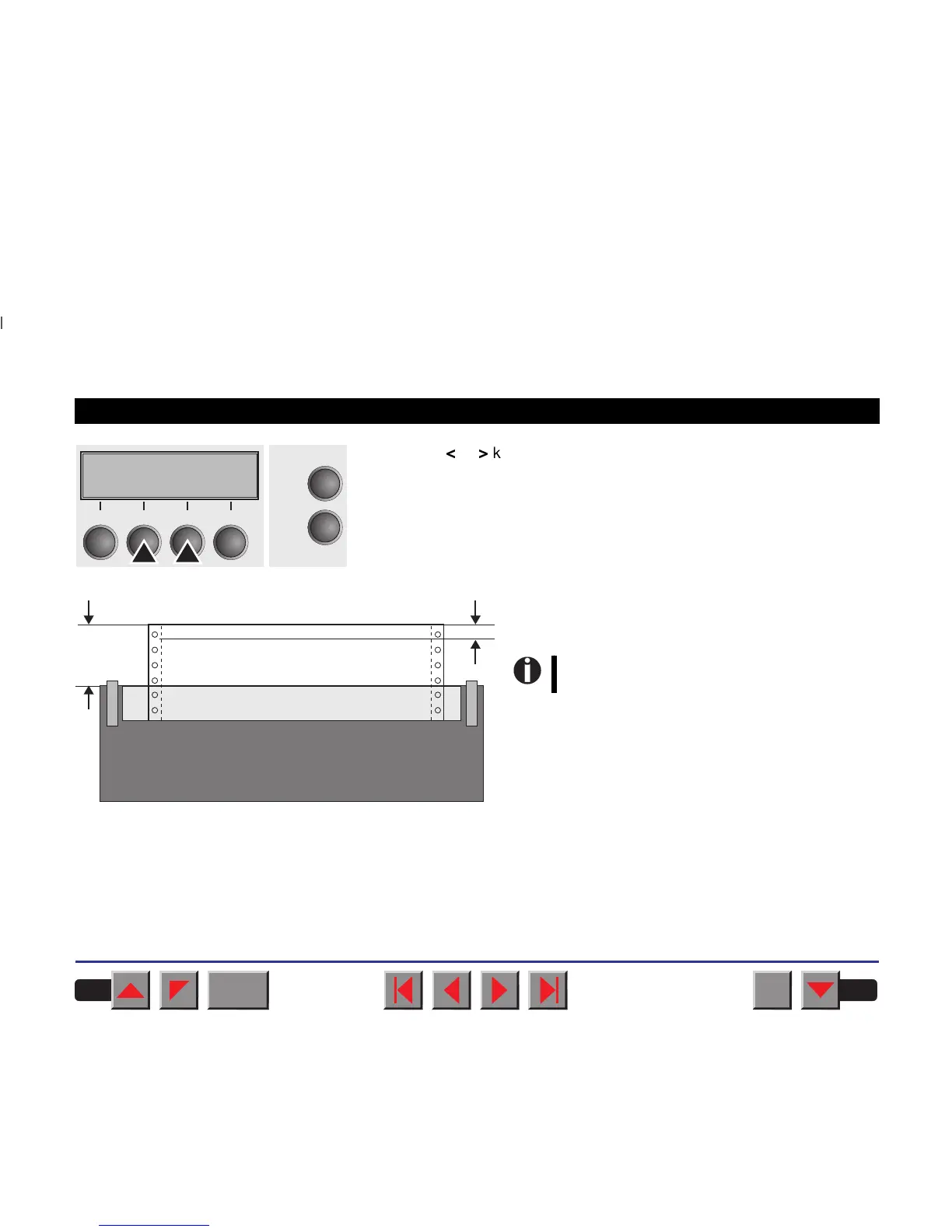
Press the
<
or
>
key to move the first printing line to the desired position.
You can set values in the range from 0 to 220/72" for fanfold paper and
for single sheets.
Confirm the setting by pressing the Set key.
Press the Setup key. The printer is reset to the initial
status.
FormAdj= 12/72"*
Set < > Exit
Online
Setup
2
1
3
4
First printing line, defaultFirst printing line, default
Readjusted first printing lineReadjusted
first printing line
12/72"12/72"
0–220/72"0–220/72"
The setting made will be retained after
switching off the printer.
BACK
QUIT
?
PRINT
Reference manual Settings (II)
43














 To Next Page