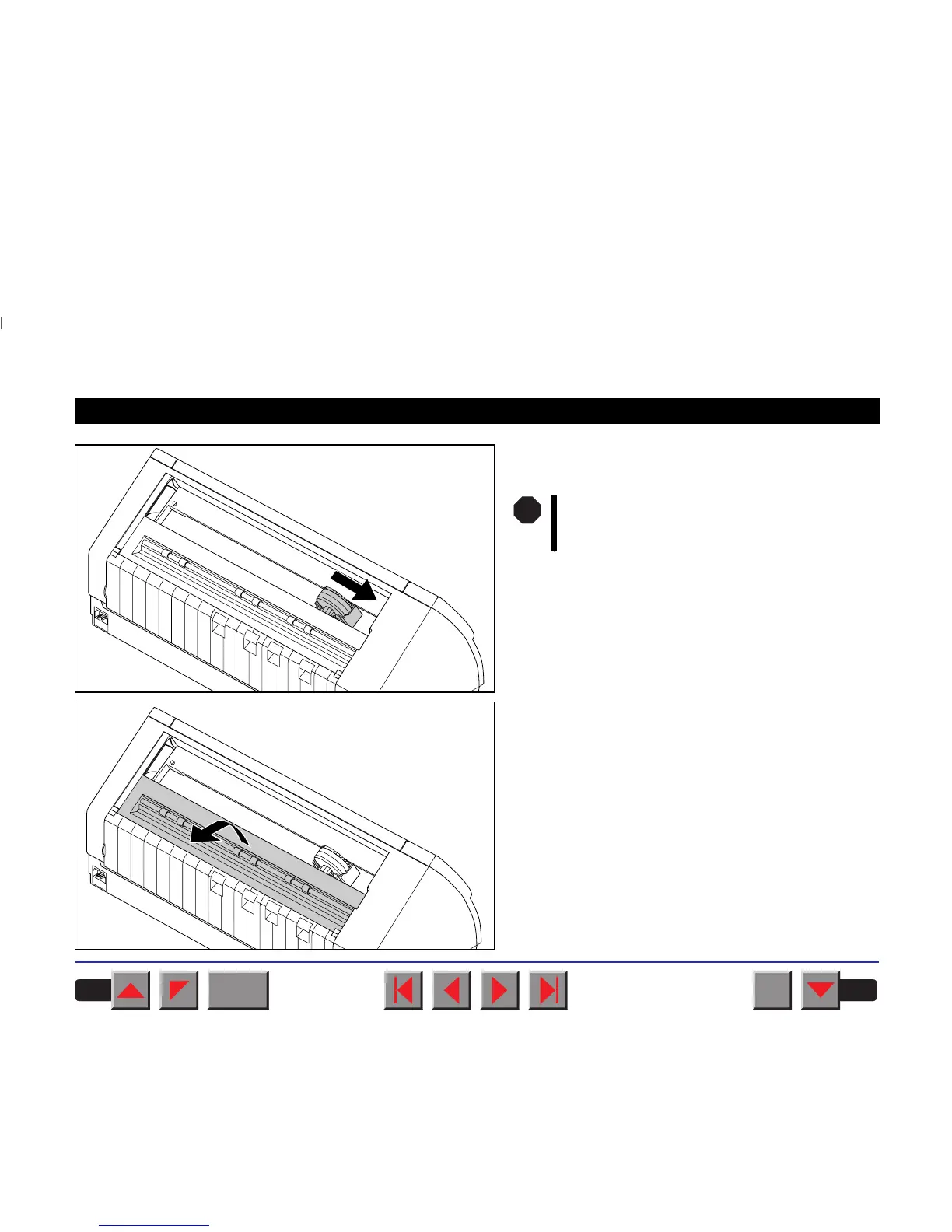
Cautiously slide the print head carriage to the left
stop (viewed from the printer front).
Raise the printer bar cover.
The print head becomes hot during print-
ing. You should therefore let it cool down
for some time before touching it.
STOP
BACK
QUIT
?
PRINT
Reference manual Changing the ribbon cassette
20














 To Next Page