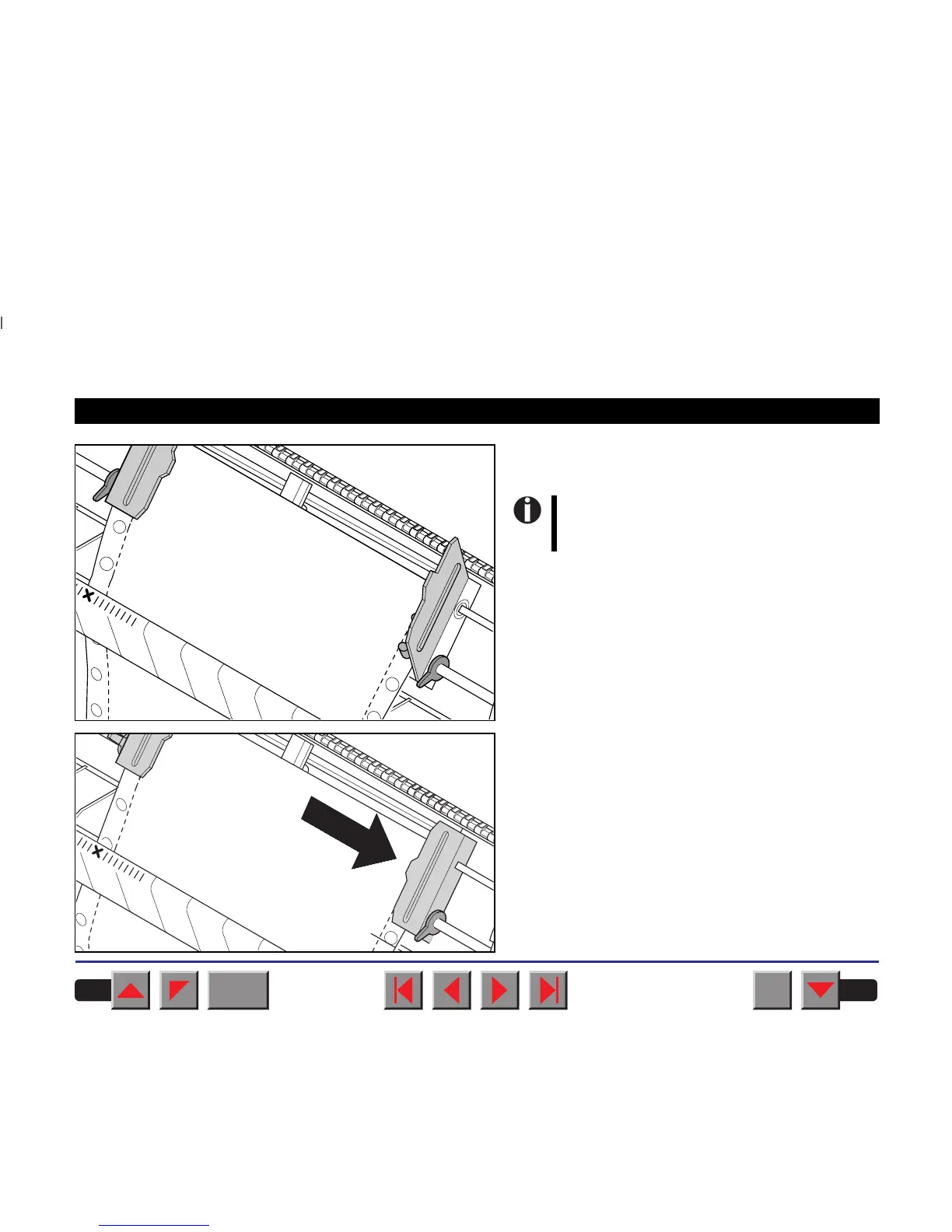
Align the right-hand tractor to the width of the paper
and insert the paper.
Close the tractor flap and slide the tractor to the right
until the paper is slightly tensioned.
Make sure that it is inserted by the same
length as on the left-hand tractor in order
to avoid any paper jam.
BACK
QUIT
?
PRINT
Reference manual Loading paper
31














 To Next Page