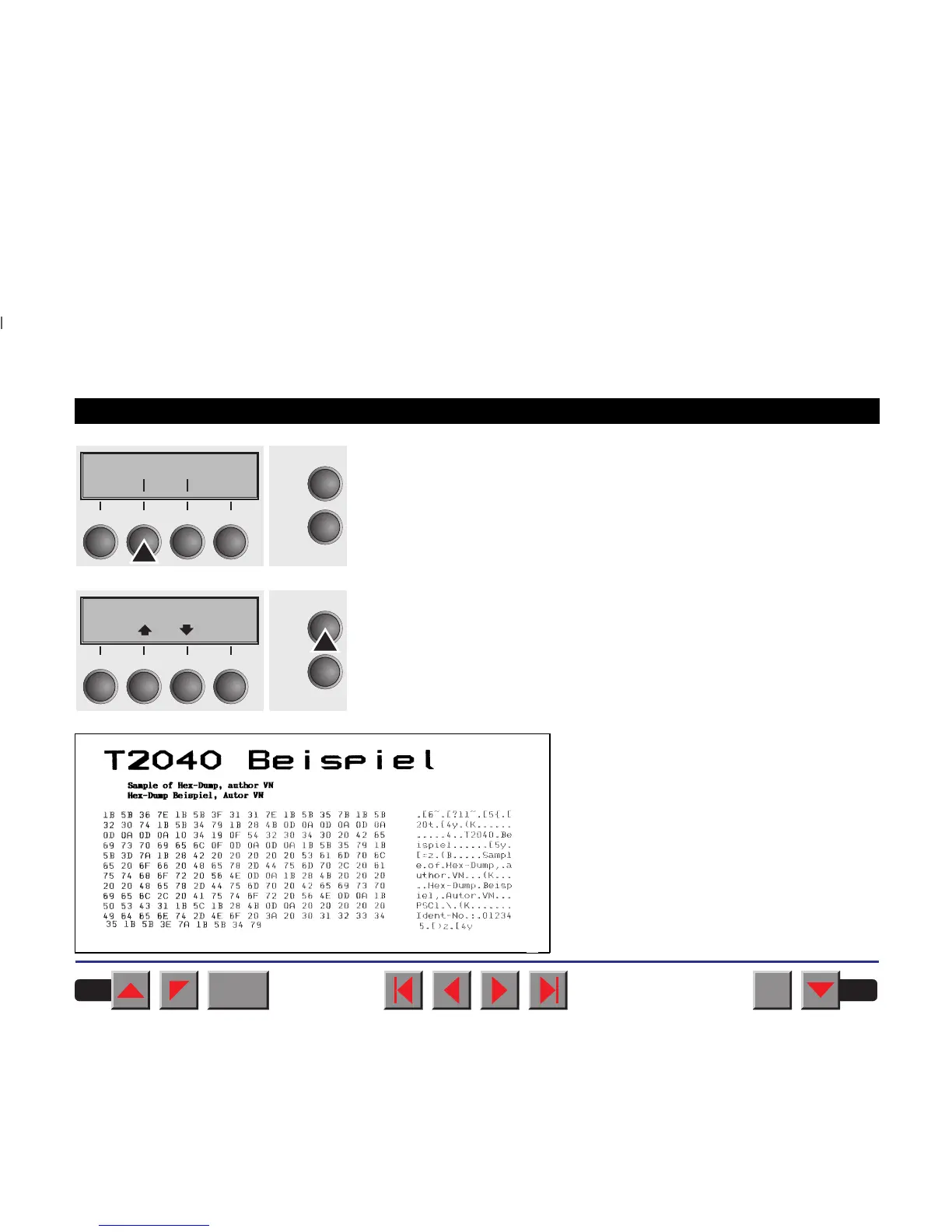
If you press the key H-Dump you select the H-Dump mode and Offline
H-Dump is shown on the display.
Put the printer into Online H-Dump mode by pressing the key Online.
The printer is now ready to receive data from the computer and to print it
out in plain text. The printed data can now be analyzed and evaluated
(see chapter
Emulations
).
Example of a Hex-Dump printout
H-Dump
Online
Setup
Back Next
21
3
4
Offline H-Dump
Online
Setup
Park LF/FF
21
3
4
BACK
QUIT
?
PRINT
Reference manual Test functions
75














 To Next Page