3. Installation Procedure
TECAN
3-6 Instructions for Use for sunrise Absorbance Reader No. 30008746 Rev. No. 1.4 2006-03
3.8.4 Define Filter
Before inserting the filter make sure that the slots are free of dust and dirt.
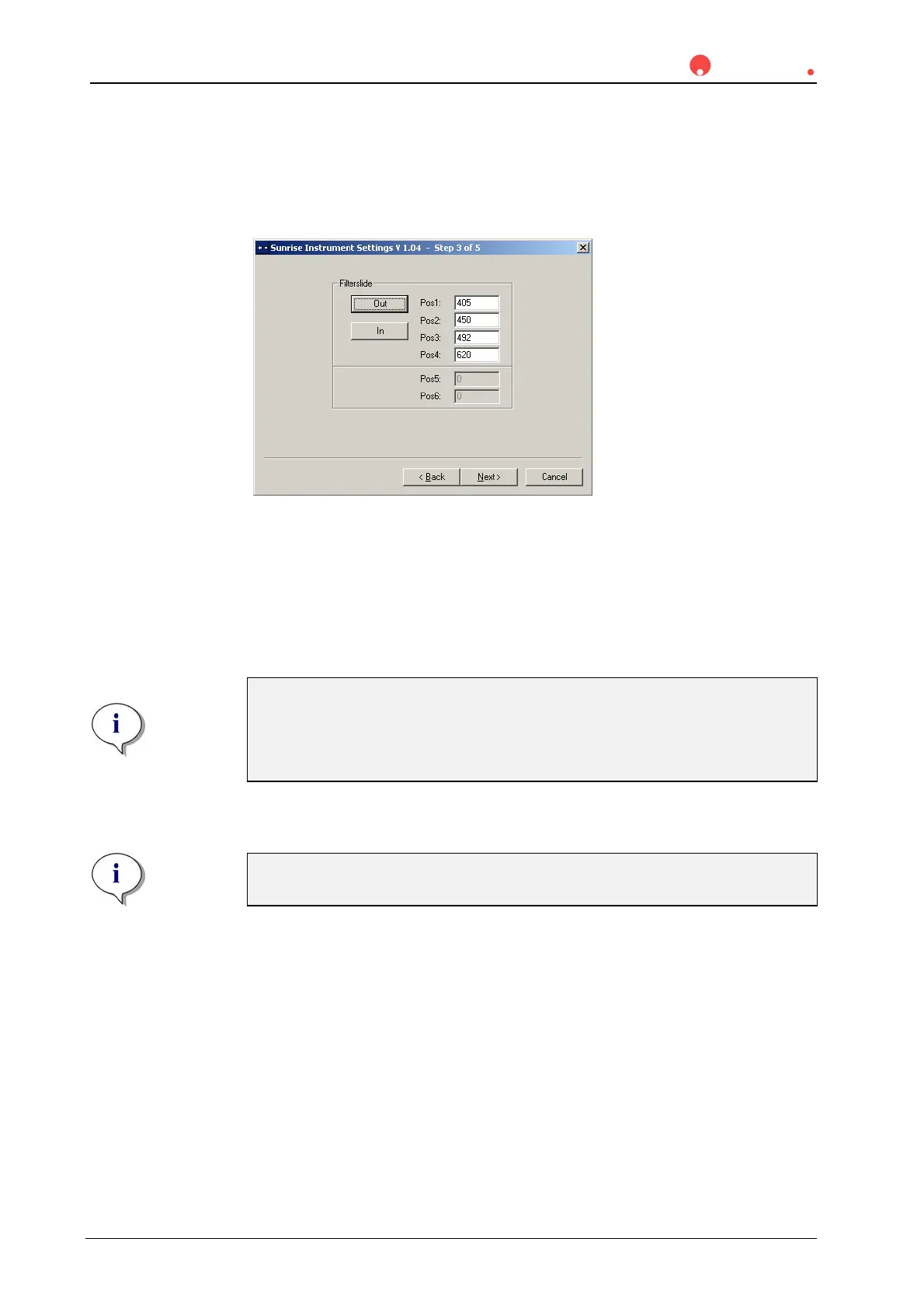
The following dialog box appears:
Click the Filter-slide Out button to move the filter out of the instrument.
To insert a Filter-slide, open the filter compartment manually and slot the filter in
so that the filter end of the slide is inserted first. (Do not force the Filter-slide into
the instrument beyond the point of resistance).
Click the Filter-slide In button and the filter is inserted.
Pos 1 - 6 shows the filter values for the currently loaded absorbance filters.
Note
The instrument is able to recognize predefined Filterslides and you must
not attempt to change the filter values. However, if the filters in the Filter-
slide have been changed (by a service engineer) or if a new undefined
customized Filter-slide is to be used, the Filterslides need to be defined.
To define the filter values for a new Filter-slide, enter the required wavelengths in
the text boxes. Click Next.
Note
The wavelength range for the sunrise is 340 - 750 nm.



 To Next Page