4. The sunrise Touchscreen
TECAN
4-12 Instructions for Use for sunrise Absorbance Reader No. 30008746 Rev. No. 1.4 2006-03
4.6.2 Set Instrument in Local Mode
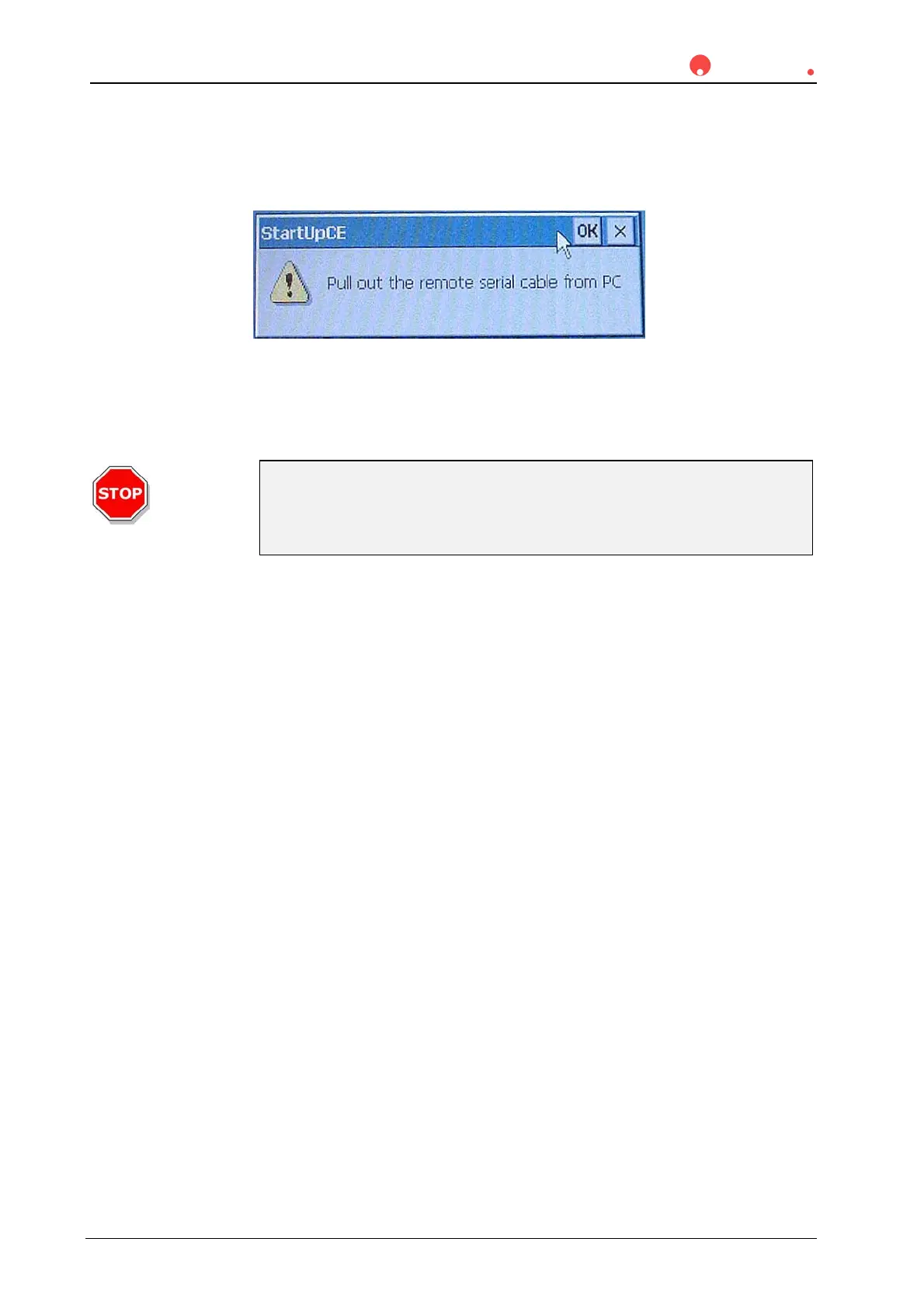
Confirm the StartUpCE dialog box with OK.
A dialog appears, asking you to unplug the remote cable from the instrument.
Unplug the interface cable from the serial interface at the rear panel of the
sunrise instrument.
Caution
Never set the sunrise Touchscreen instrument to local mode as long as
the instrument is connected to an external PC via an interface cable.
Otherwise it may not be possible to operate the instrument.
Confirm the dialog with OK.
The Config remote serial port... dialog box is opened.
Set the Instrument mode to Local mode and confirm the dialog with OK.
MagellanCE will be started.



 To Next Page