4. The sunrise Touchscreen
TECAN
4-10 Instructions for Use for sunrise Absorbance Reader No. 30008746 Rev. No. 1.4 2006-03
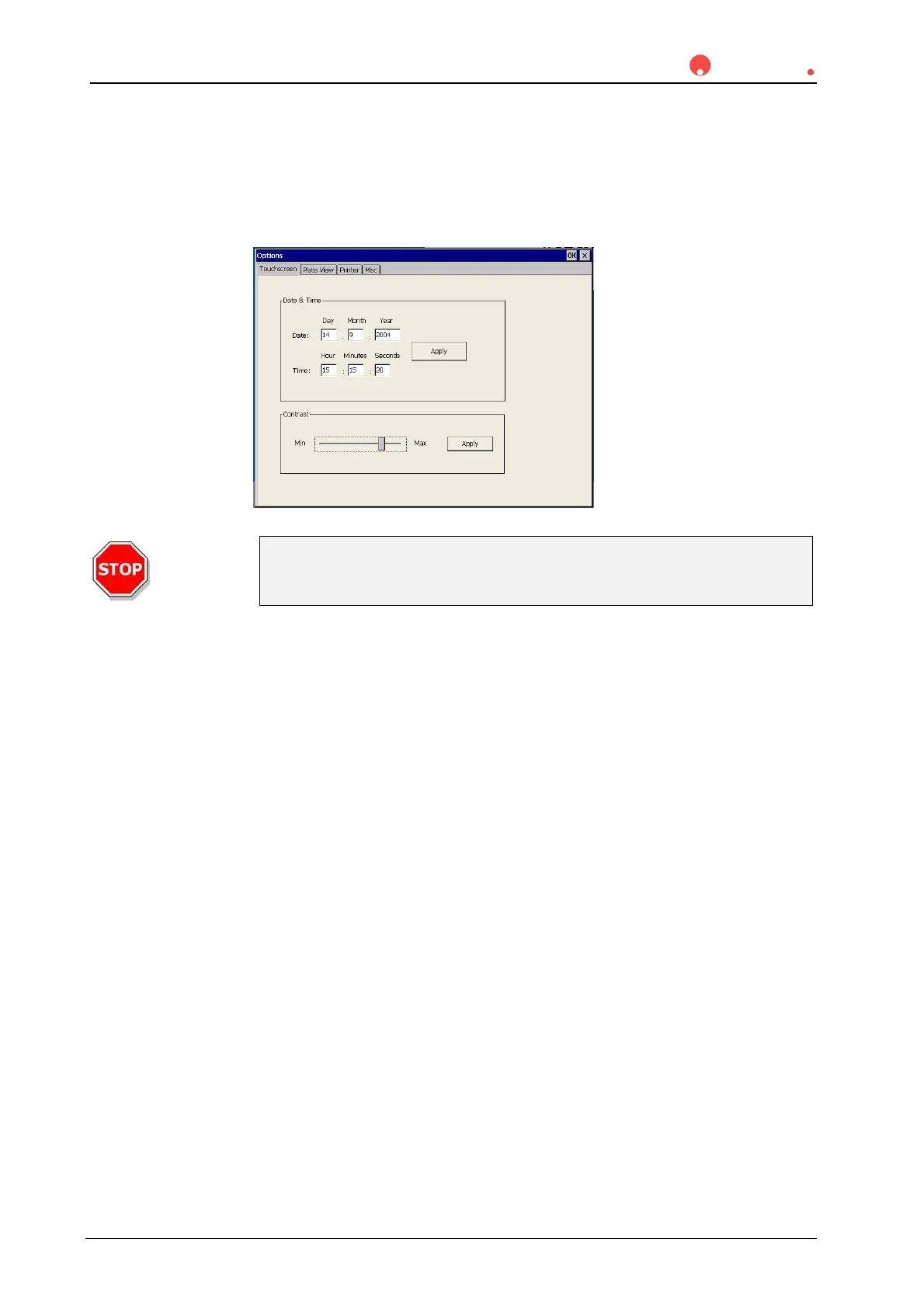
Set Contrast
The contrast of the Touchscreen can be adjusted, if it is not properly set.
In the Wizard List dialog box under Miscellaneous, select Options.
To set the contrast click on the Touchscreen tab. Select Contrast and follow the
instructions.
Caution
Never set the contrast to a too low or a too high value. It might be
impossible to operate the software! Readjust the contrast.
If you want to confirm the new setting, click Apply. For setting within a certain
range a confirmation dialog appears; to confirm the new setting click OK.
Otherwise cancel this dialog or wait 10 sec to return automatically to the previous
setting.
Date / Time
In the Wizard List dialog box under Miscellaneous, select Options.
Select the Touchscreen tab to set date and time (see screenshot Options,
Touchscreen tab above.).
Enter the current date and time and click Apply.



 To Next Page