10 TEGAM WAY • GENEVA, OHIO 44041 • 440-466-6100 • FAX 440-466-6110 • sales@tegam.com
4-10
RANGES
From the main menu, the user can access any of the default instrument resistance range settings by
pressing the corresponding range key. If AUTO range is selected, the meter will automatically select
the best default resistance range setting for the resistance being measured. Only 11 of the total 20
ranges are available when using the shortcut keys or AUTO range.
In AUTO range mode, if the reading is at or below 10% of 20,000 counts, then the instrument will
switch to the next lower range. If the measurement is at or above 101% of 20,000 counts, then the
instrument will select the next higher range.
In manual mode, each range is capable of measuring from 0 to 22,999 counts before over ranging.
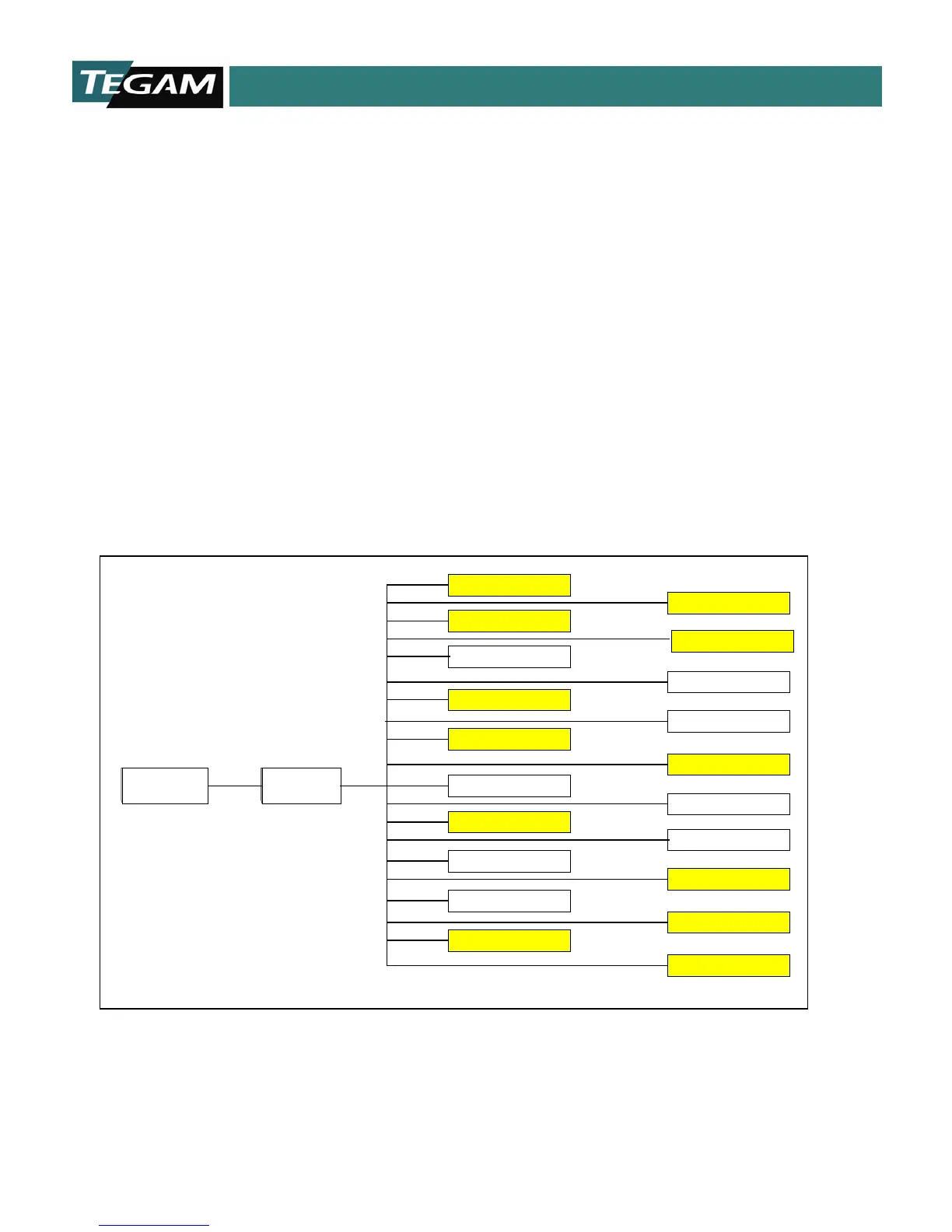
The diagram below maps all of the available resistance range settings. These settings are accessible
by pressing the [MENU] key then the [REFERENCE] key. The ranges may be explored by repeatedly
pressing the [REFERENCE] key or by scrolling the
[▲] or [▼] keys until the desired range setting is
displayed. Pressing the [ENTER] key will enable the range setting. Default range settings are shaded.
TRIGGER MODES
MENU/CLEAR
200m Ohm@1A
2m Ohm@1A
200m Ohm@100mA
200K Ohm@10uA
20M Ohm@100nA
20K Ohm@100uA
200 Ohm@100uA
200 Ohm@1mA
200 Ohm@10mA
2 Ohm@10mA
REFERENCE
20mOhm@100mA
2M Ohm@1uA
20K Ohm@10uA
2K Ohm@100uA
2K Ohm@1mA
2 Ohm@100mA
20 Ohm@10mA
20 Ohm@1mA
20m Ohm@1A
AUTO



 To Next Page