10 TEGAM WAY • GENEVA, OHIO 44041 • 440-466-6100 • FAX 440-466-6110 • sales@tegam.com
4-11
There are four selectable Trigger Modes: Fast Continuous, Fast One Shot, Delayed Continuous and
Delayed One Shot.
The Fast modes are not as accurate as the Delayed modes but are able to generate an initial reading
in about 12 ms. Note that Fast Mode is not available for all ranges. See Table 1.6 for a summary of
which ranges apply.
Delayed Modes are generally more accurate than the Fast Modes and allow the user to program
settling times. When the instrument is in the Delayed Mode, the broken wire function is also enabled
for all ranges below 200 Ω.
Continuous Trigger Modes are controlled internally and produce a continuous reading on the display.
One Shot trigger modes require external triggering for each measurement. This is done by shorting
the BNC trigger input in the rear panel, software command via GPIB, RS232, or RS422, or manually
pressing the [HOLD/TRIGGER] button on the front panel.
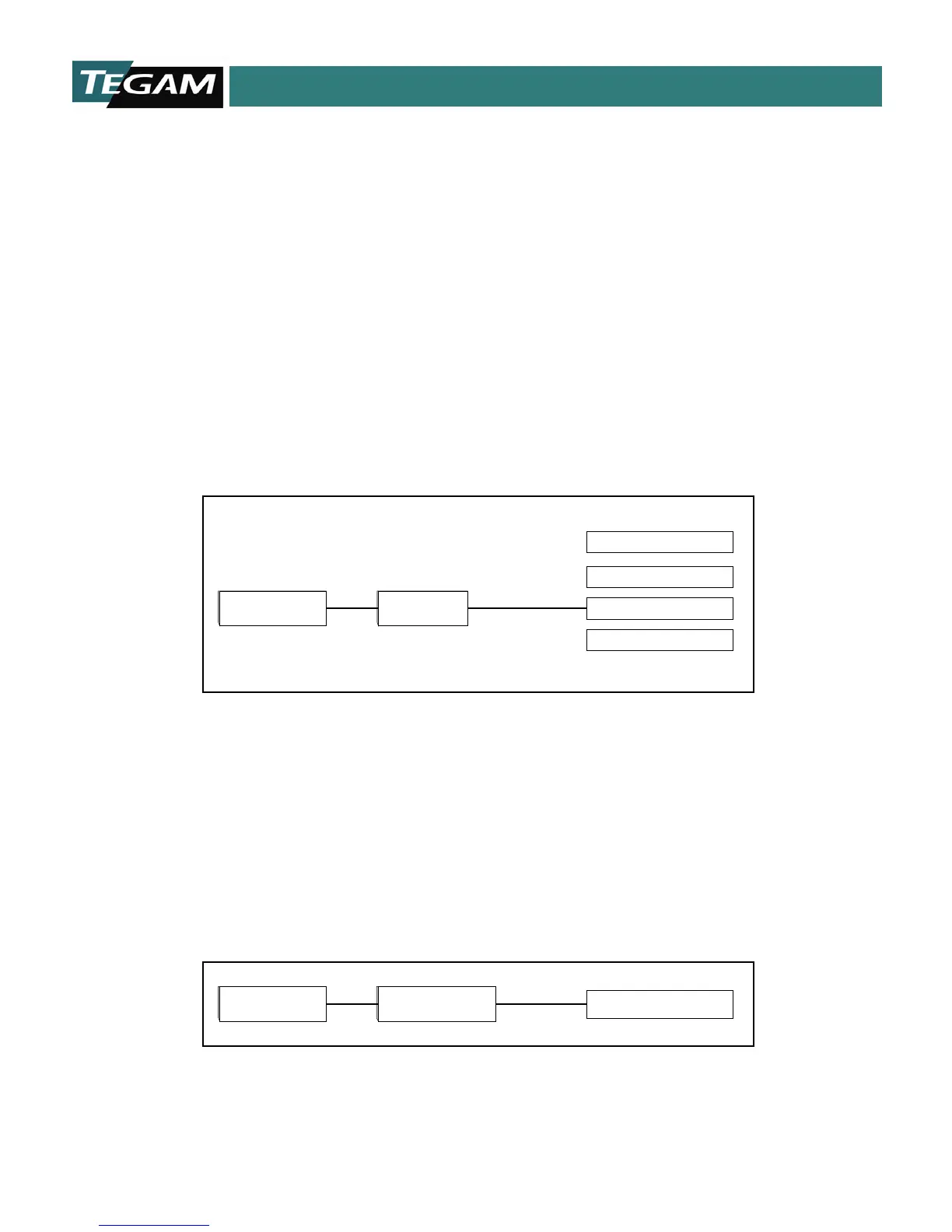
Press the [MENU/CLEAR] button > [TRIGGER] then select the desired trigger mode. Enable the
selected trigger mode by pressing [ENTER].
MENU/CLEAR
TRIGGER
Delay One Shot
Fast One Shot
Delay Continuous
Fast Continuous
DELAY TIME
This parameter applies only when the instrument is in either Delayed One Shot or Delayed Continuous
Modes. The Delayed Modes allow the user to program settling times from 1 to 250 ms. Simply type in
a numerical value into the entry field and hit [ENTER] to save the new delay time.
Allowing a longer settling period allows the Delayed Modes to produce a more accurate reading. This
is a commonly used feature for measuring high resistances or components with a slight inductive
characteristic.
MENU/CLEAR DELAY Delay (1-250 mS)
DISPLAY MODE



 To Next Page