Versa User Manual www.teledynetekmar.com
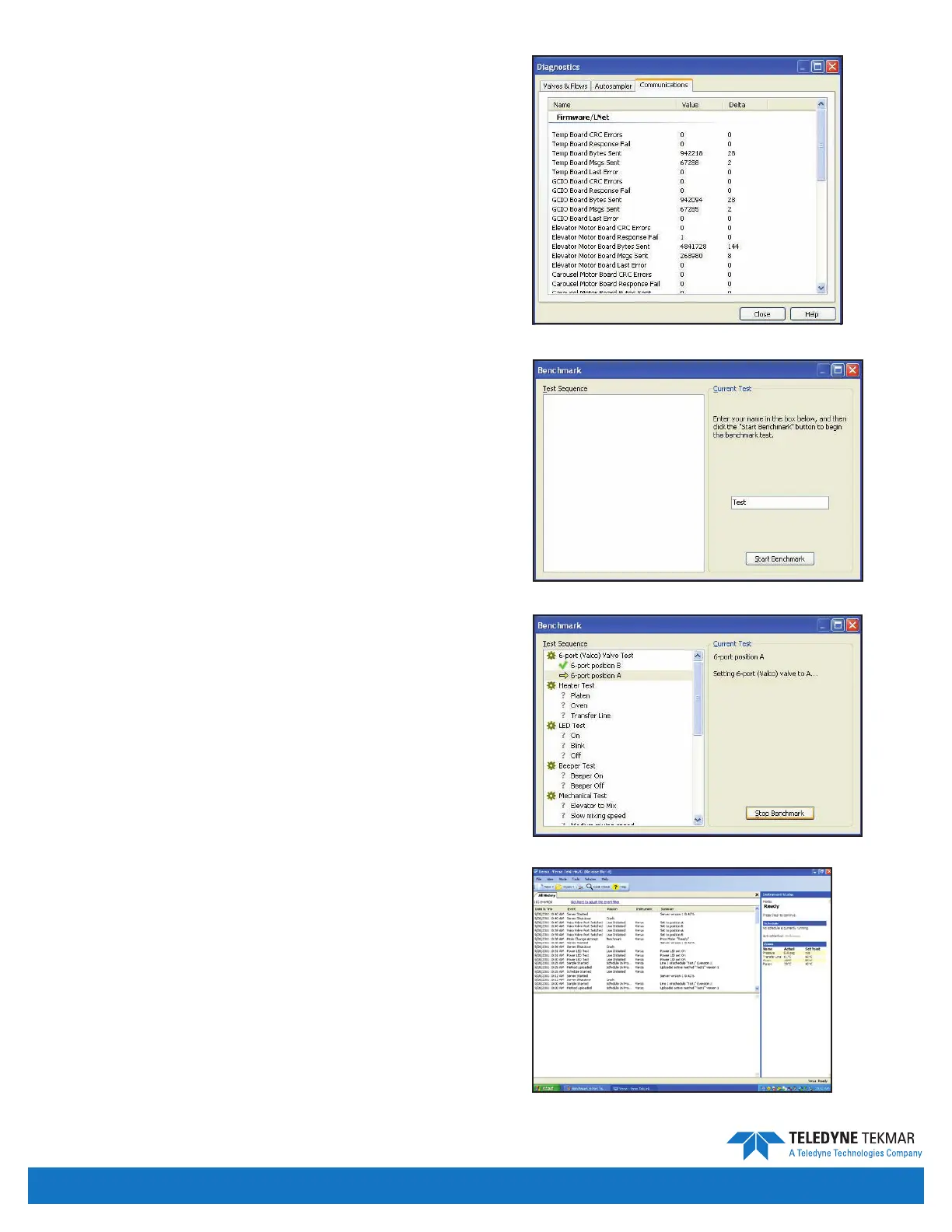
Communications Tab
The Communications tab provides data on system
communications between the boards in the Versa and
the Versa TekLink™2G. It records signals sent, received,
aborted, and retried.
BENCHMARK
The Benchmark screen can be accessed by clicking
Tools | Benchmark. The Benchmark screen contains an
interactive program that tests the Versa components
including the heaters, LEDs, and the continuity of inputs
and outputs on the CPU board. Enter your test name in the
area provided. Click the Start Benchmark button to start
the Benchmark Test.
During the test, the system will present a series of
questions to the user.
The results of the Benchmark Test can be printed at the
conclusion of the test and are saved in the History Log
under the name entered before starting the benchmark.
To access a saved Benchmark Test select View | All History.
If you only want to test a specic function you can jump to
any header and begin testing.
HISTORY LOGS
The History screen can be accessed by clicking
View | All History.
The top pane of the History screen displays the time and
date, event type, event reason, the instrument connected.
The bottom pane of the History screen displays more
detail about the event.
Figure 4-26: Benchmark Screen
Figure 4-27: Benchmark Purge Valve Test
Figure 4-28: History Screen
Figure 4-25: Diagnostics - Communications Tab
Introduction • Page 4-11


 To Next Page