EN
143
5.10.1.1 Backup
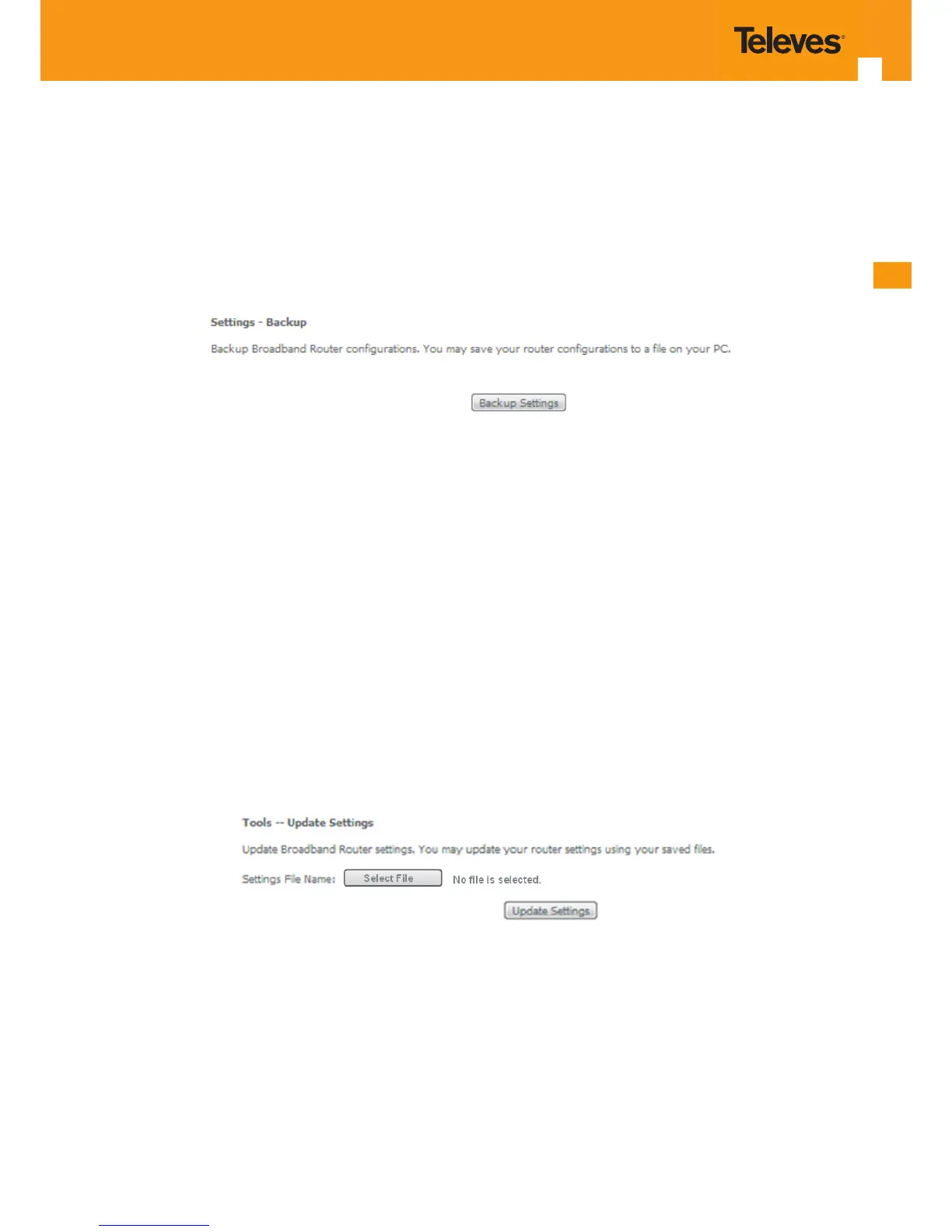
Selection of Management, Settings submenu, item Backup will display a Settings–Backup window will be displayed, Figure 5-175.
A short on line help text is provided in the window. This window allows saving the current Refs. 769501-769502 congurations to a PC.
In order to Backup the current Refs. 769501-769502 congurations use the button Backup Settings, Figure 5-175. A Save le window will open at
your PC allowing to choose the folder where to save the backup le and the renaming of the le.
Figure 5-175: Management, Settings–Backup window
5.10.1.2 Update
Selection of Management, Settings submenu, item Update will display a Tools-Update Settings window Figure 5-176.
A short on line help text is provided in the window. This window allows updating the Refs. 769501-769502 congurations with a Backup le previ-
ously saved to a PC.
In order to update Refs. 769501-769502 conguration with a saved backup le, Figure 5-176:
STEP 1. Use the button Select le. An open le window will open at your PC allowing to choose a previously backed up le to use;
STEP 2. Use the Update Settings button and the Refs. 769501-769502 congurations will be updated with the selected le.
Figure 5-176: Management, Settings–Tools- Update window



 To Next Page