EN
157
6.1.2 Troubleshooting
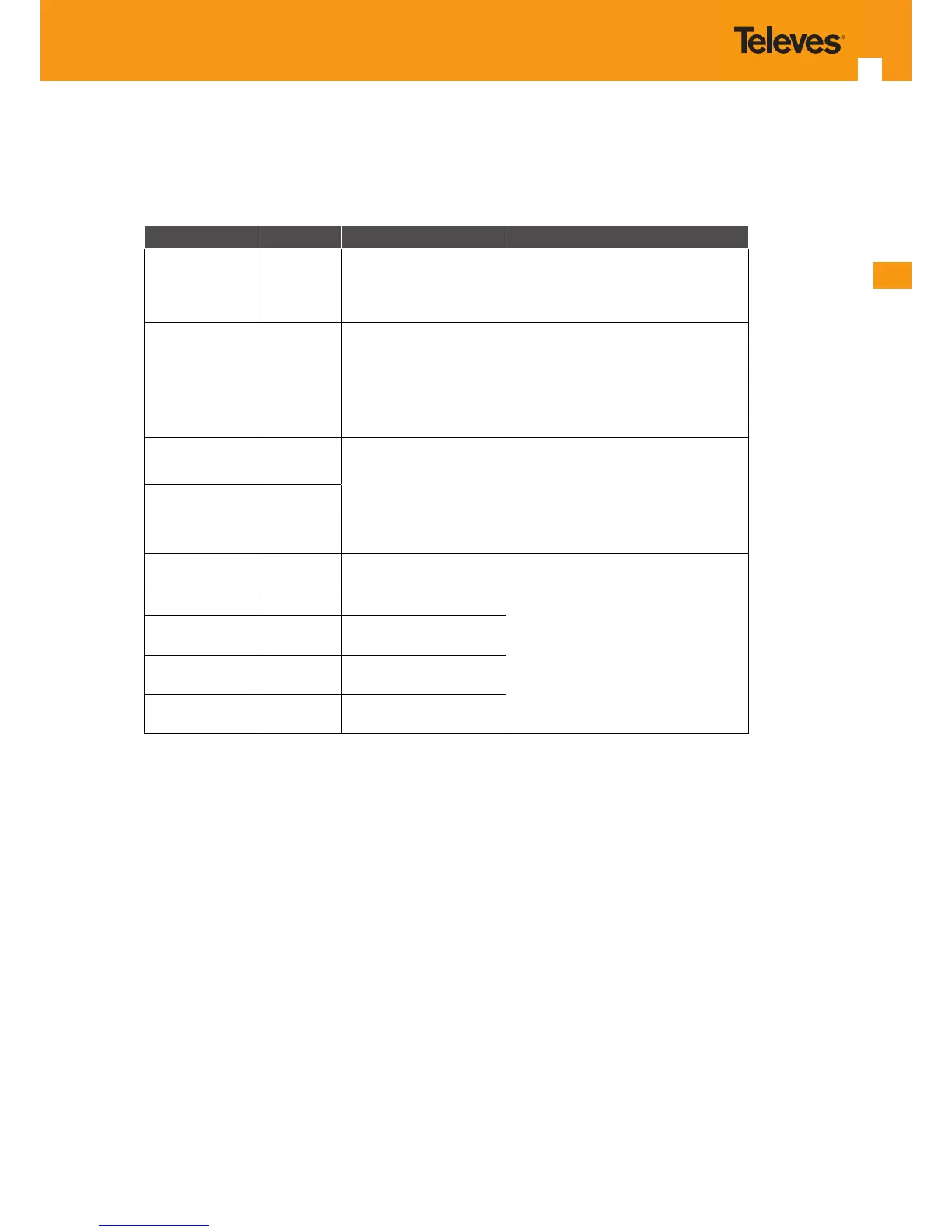
The table below, according to the LEDs status, identies a possible cause and describes the procedure to x the problem.
LED State Possible Cause Solution
POWER (A1) OFF
No power supply to the
Refs. 769501-769502
- Check that the power cable is cor-
rectly connected to both the Refs.
769501-769502 and the adapter at
the electrical socket.
ETHERNET (A2
to A5)
OFF
ETHERNET cable incor-
rectly connected
- Check that the ETHERNET cable
is properly connected to the Refs.
769501-769502’s ETHERNET port and
the Home Gateway’s WAN port and
not, for example, to a LAN port.
- Change the ETHERNET cable.
GPON LINK
(A10)
OFF
Anomaly in the optical
bre signal
- Check that the optical cable is
correctly inserted in both the Refs.
769501-769502’s internal optical con-
nector and the optical socket.
- Check that the bre is intact, is not
dirty and has not been cut or twisted.
AUTH (A11) OFF
GPON LINK
(A10)
ON
Refs. 769501-769502
deactivated by the ad-
ministrator
Contact the technical support.
AUTH (A11) OFF
CATV (A13)
(1)
OFF
CATV deactivated in the
769501-769502
VOIP (A6 to A7) OFF
VoIP deactived in the
Refs. 769501-769502
GPON LINK
(A10)
Blinking
Error in Refs. 769501-
769502 authentication
NOTES:
(1) Optional ;
Dependent on the 769501-769502 specic model
Table 6-3: Troubleshooting



 To Next Page