EN
153
5.10.6.1 Passwords
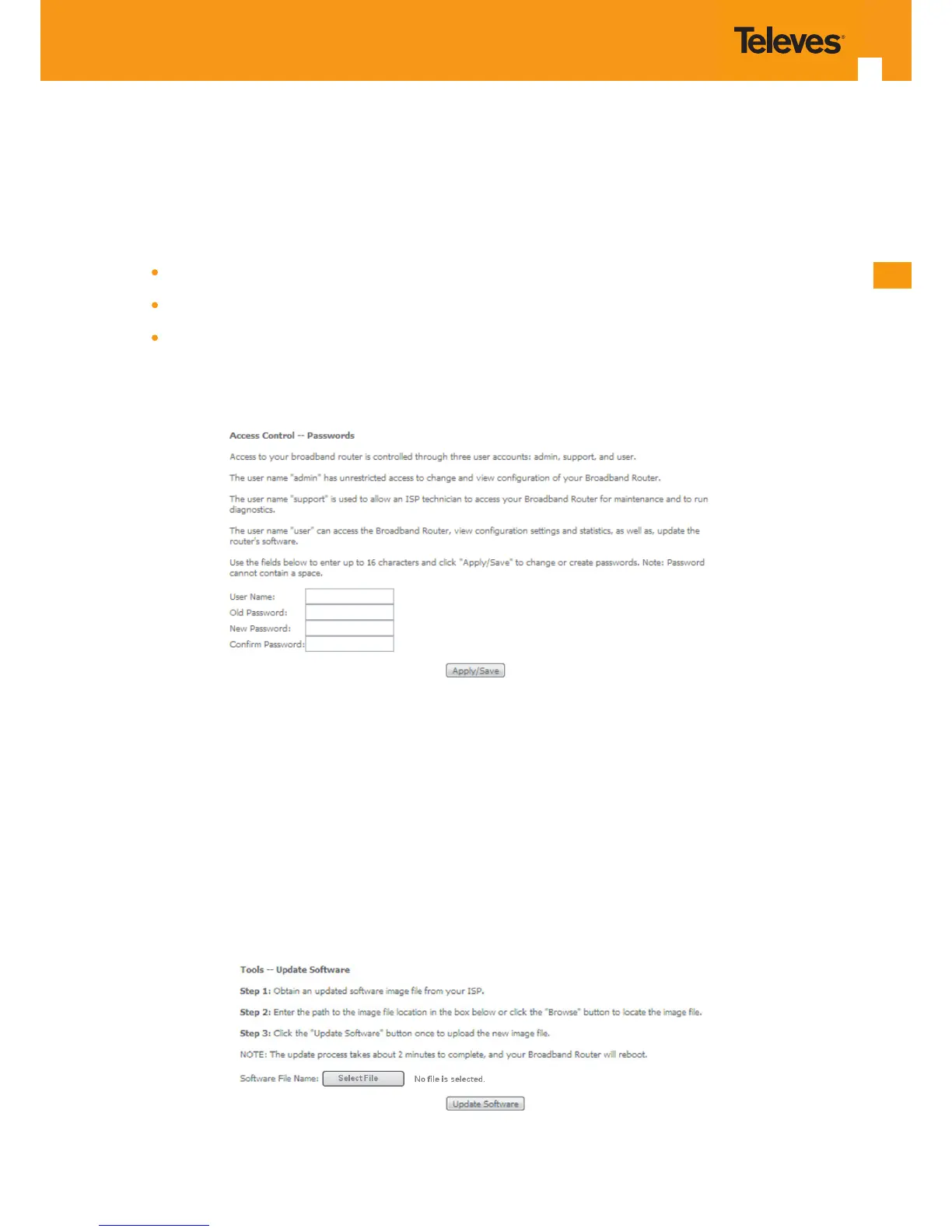
Selection of Management, Access Controls submenu, item Passwords will display an Access Control-Passwords window, Figure 5-193.
A short on line help text is provided in the window. This window allows the denition of Refs. 769501-769502 user accounts.
Three user accounts can be dened:
Admin: account with unrestricted access to view and change Refs. 769501-769502 congurations;
Support: account for maintenance and diagnostics purposes;
User: account to view Refs. 769501-769502 congurations and statistics and update Refs. 769501-769502 software.
NOTE: Only an admin user can view set up user accounts;
Figure 5-193: Management, Access Control-Passwords conguration window
5.10.7 Update Software
Selection of Management menu item Update Software, will display a Tools- Update Software window, Figure 5-194.
This window allows the update of the Refs. 769501-769502 with an update le from the ISP.
A Step by Step on line help text is provided in the window.
Figure 5-194: Management, Tools- Update Software window



 To Next Page