96
GPON ONT
5.6.6 Parental Control
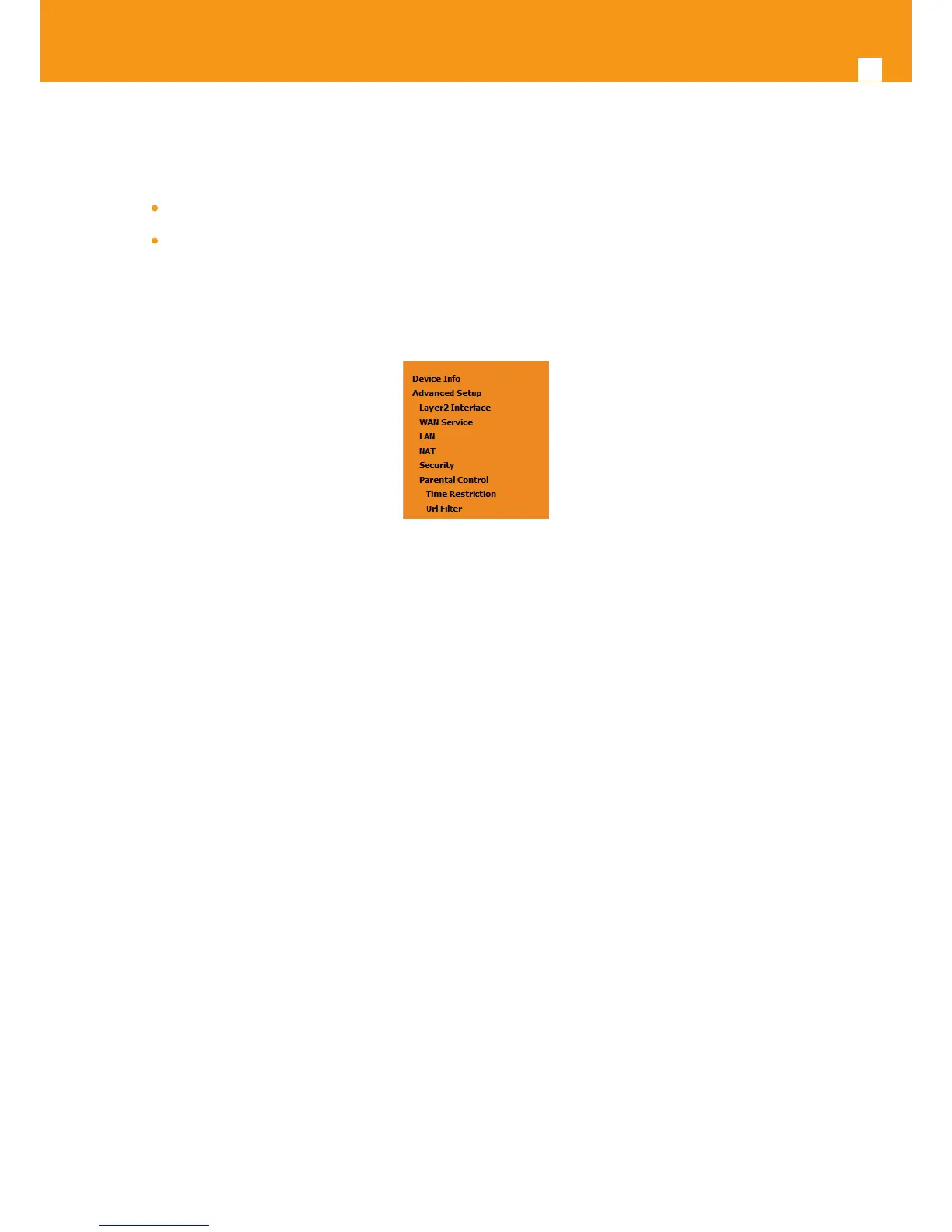
Selection of Advanced Setup submenu item Parental Control will display a Parental Control submenu with two items, Figure 5-101:
Time Restriction,
Url Filter
In the main window an Access time Restriction Conguration window is displayed, Figure 5-102.
This window allows the creation and conguration Access Time Restriction Rules.
Figure 5-101: Advanced Setup Parental Control Sub-menu
5.6.6.1 Time Restriction
Selection of Advanced Setup submenu Parental Control, item Time Restriction will display an Access Time Restriction conguration window show-
ing the current Access Time Restriction conguration table, Figure 5-102.
A short on line help text is provided in the conguration window.
To insert and congure a new Access Time Restriction rule use the Add Button, Figure 5-102; a new window is displayed, Figure 5-103. A short on
line help text is provided in the conguration window. Figure 5-103. Provides a conguration example for an Access Time Restriction rule.
In order to setup a new Access Time Restriction rule, Figure 5-103:
STEP 1. Enter the user name;
STEP 2. Enter the Browser’s MAC address;
STEP 3. Select the week days to apply the restriction;
STEP 4. Enter the Start Blocking time;
STEP 5. Enter the End Blocking time;
To nalize the conguration use the Apply/Save button. The next displayed window is the initial window, showing the current Access Time Restric-
tion conguration, Figure 5-104.



 To Next Page