148
GPON ONT
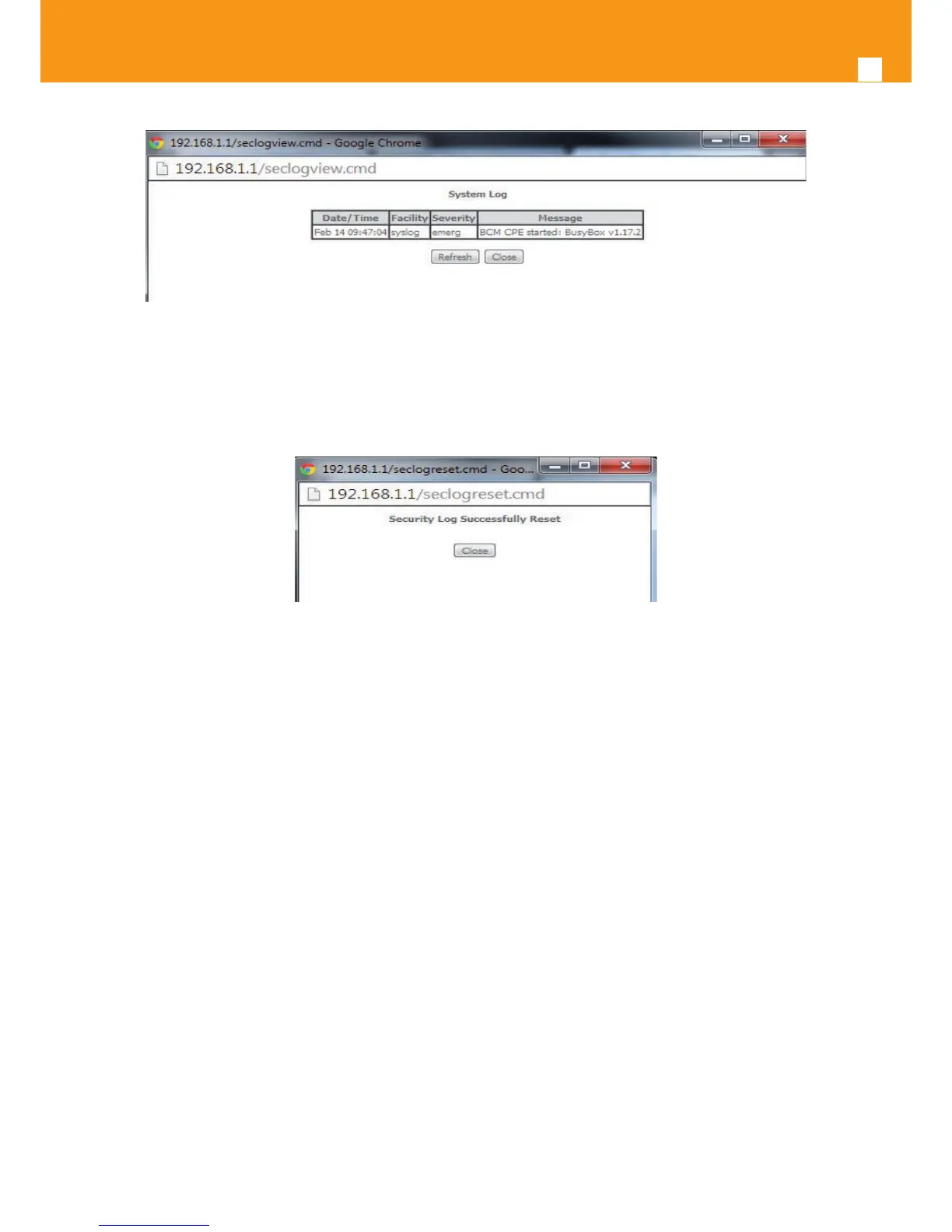
Figure 5-185: Management- Security Log window: View
In order to reset Security Log use the Reset Button, Figure 5-184. A Reset information window will be displayed, Figure 5-186.
Figure 5-186: Management–Security Log window: Reset
5.10.4 TR-069 Client
Selection of Management menu item TR-069 Client, will display a TR-069 Client Conguration window, Figure 5-187.
A short on line help text is provided in the window. TR-069 Client conguration allows the connection to an Auto conguration Server (ACS) for
Refs. 769501-769502 conguration, provisioning, collection and diagnostics.
Figure 5-187 provides a TR-069 client conguration example.
In order to Congure TR-069 Client, Figure 5-187:
STEP 1. Congure Inform Option to be Disabled or Enabled by selecting the respective Checkboxes;
STEP 2. Type in Inform Interval Value for the Inform Enabled option;
Time Interval between Refs. 769501-769502 and ACS communications
STEP 3. Type in the ACS URL;
STEP 4. Type in the ACS User Name;
STEP 5. Type in the ACS Password;
STEP 6. Select the WAN Interface used by the TR-069 Client from the respective selection combo box, Figure 5-188;
STEP 7. Congure “Display SOAP messages on serial console” Option to be Disabled or Enabled by selecting the respective Checkboxes;
If enabled the messages exchanged between the Refs. 769501-769502 and the ACS can be viewed via serial port.
STEP 8. To use Connection Request Authentication select the respective checkbox;



 To Next Page