150
GPON ONT
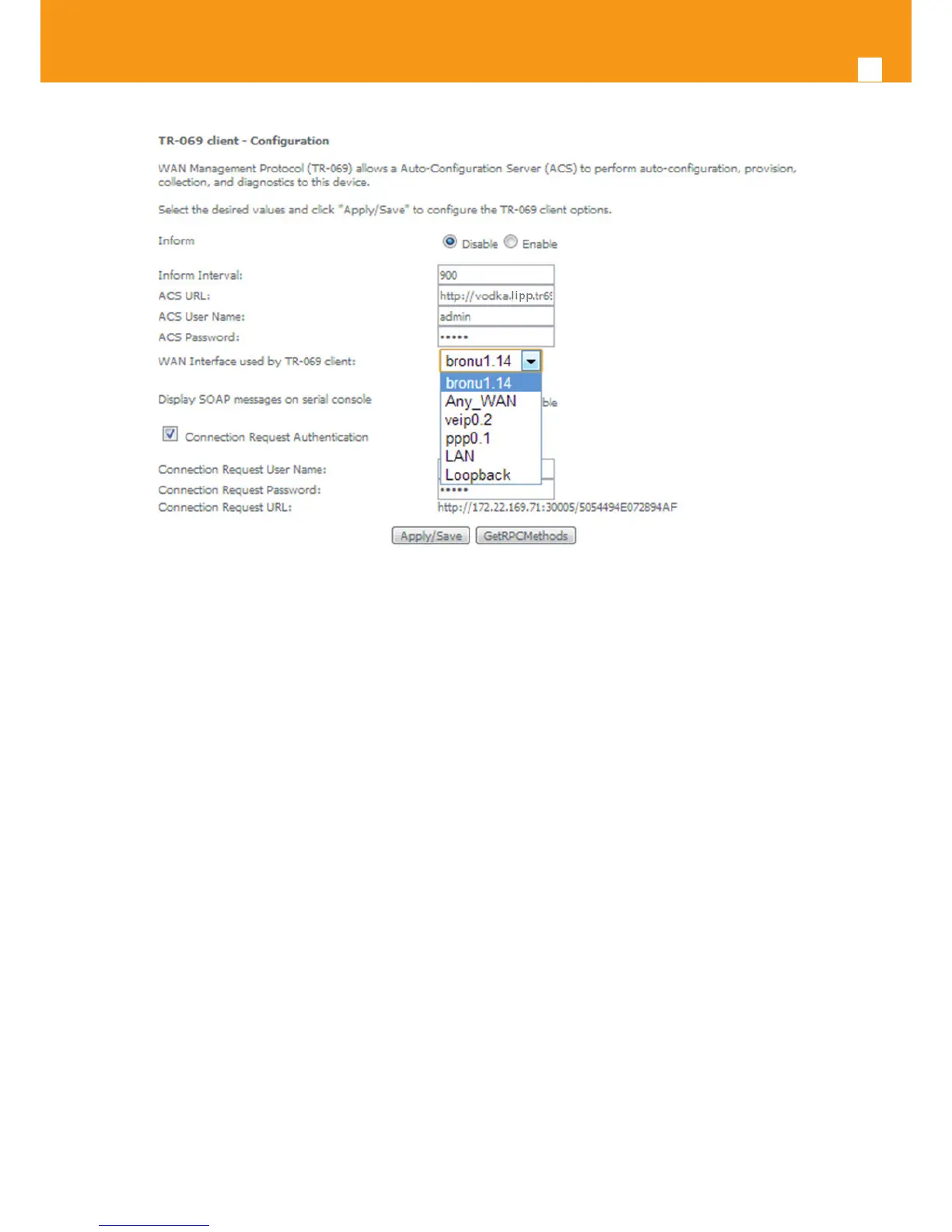
Figure 5-188: Management, TR-069 Client Conguration window – WAN Interface Options
I5.10.5 Internet Time
Selection of Management menu item Internet Time, will display an Internet Time-Time settings window, Figure 5-189.
A short on line help text is provided in the window. Internet Time Settings allows the conguration of time servers to enable updating 769501-
Refs. 769502 date and time.
Figure 5-189 provides an Internet Time Settings conguration example.
In order to Congure Internet Time Settings, Figure 5-189:
STEP 1. Congure “Automatically Synchronize with Internet Time Servers” by selecting the respective Checkbox;
STEP 2. Select “First NTP Time Server” Option from the respective selection combo box, Figure 5-190;
If other was specied, Type in the IP address of the server to use Figure 5-190;
STEP 3. Select “Second NTP Time Server” Option from the respective selection combo box;
If other was specied, Type in the IP address of the server to use;
Up to ve NTP servers can be specied if desired.
STEP 4. Select “Time zone oset” Option from the respective selection combo box, Figure 5-191;
Use the Apply/Save Button to Finalize the Conguration.



 To Next Page