EN
49
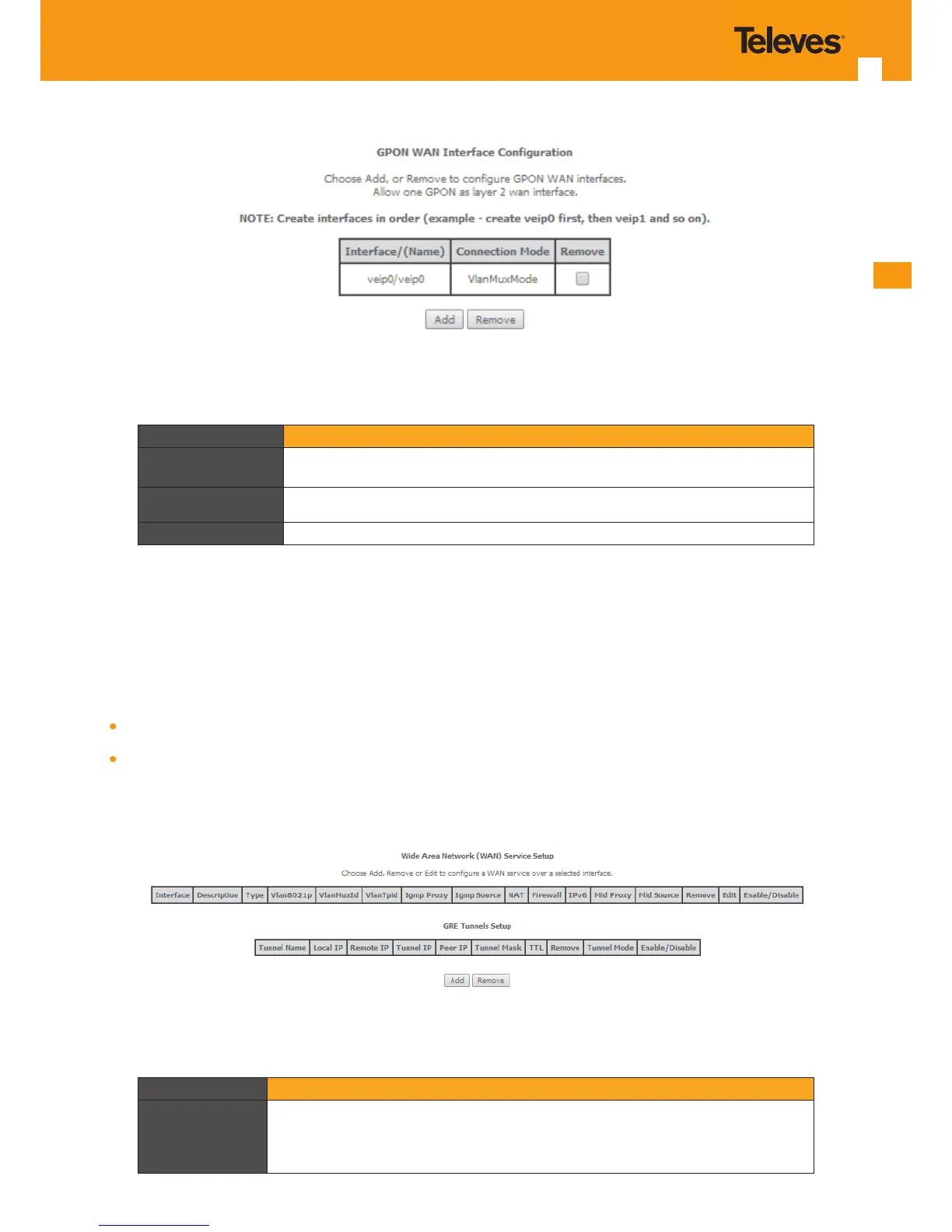
Figure 5-15: GPON WAN Interface Conguration- initial window
Parameter Description
Interface/(Name)
Refs. 769501-769502 WAN interface Identication. In the case of GPON Wan interface
– veip0/veip0
Connection Mode Value: VlanMuxMode
Remove If selected, the WAN interface can be removed with Remove button
Table 5-10: GPON WAN interface conguration Table parameters
5.6.2 WAN Service
Selection of Advanced Setup submenu item Wan Service will display in the main window two conguration tables, Figure 5-20:
Wan service setup
GRE tunnels setup
Table parameters’ description can be found in tables Table 5-12 and Table 5-13.
In this window it is possible the Addition and Removal of WAN services.
Figure 5-20: Advanced Setup WAN Service main window
Parameter Description
Interface
WAN interface identication (string); attributed on the Wan interface conguration; if
not set by the user, the system names the interface automatically as “xxx0.n/”, where
xxx is the type of interface (eg ppp stands for pppoe) n is number indicating order of
interface creation, starting in 1



 To Next Page