EN
147
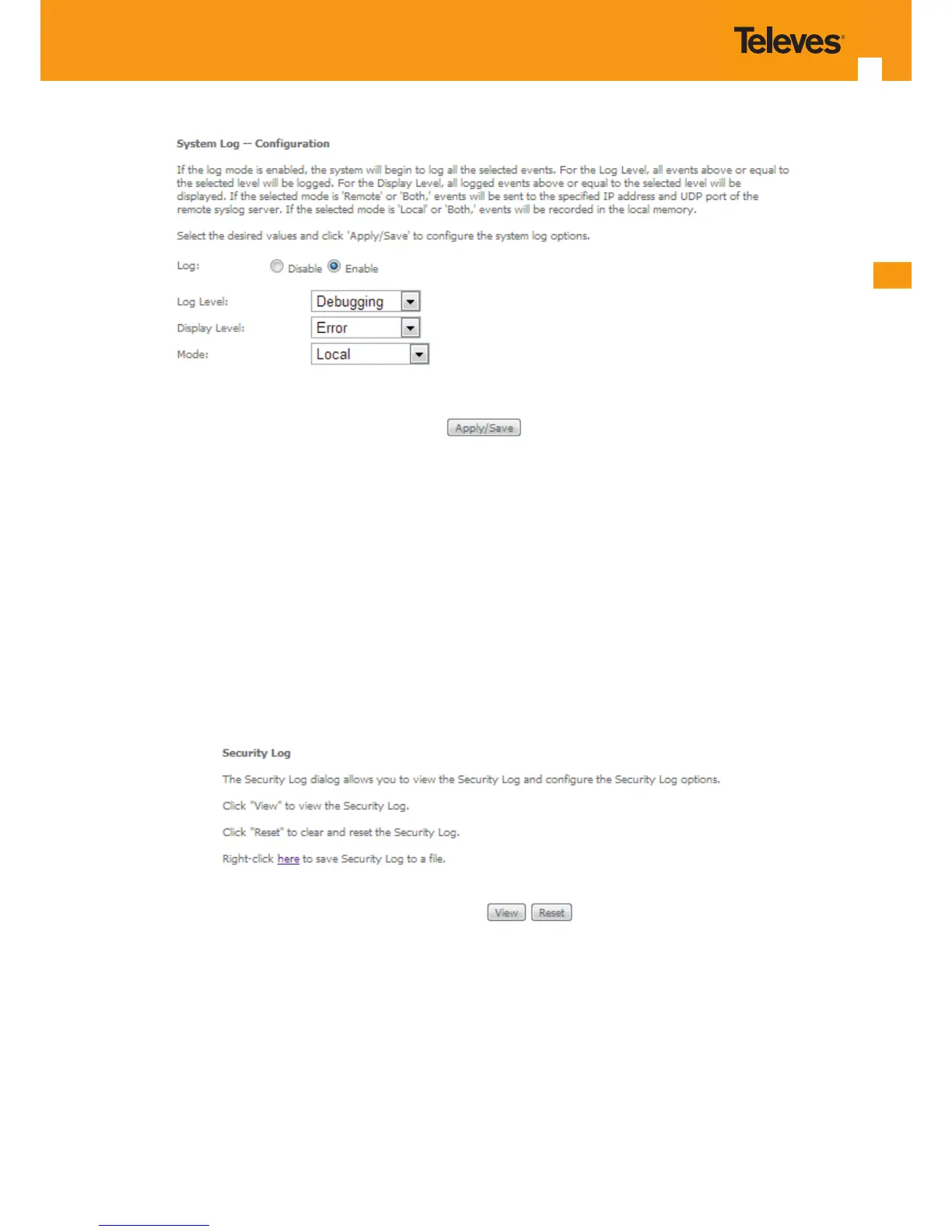
Figure 5-183: Management–System Log Conguration window –Conguration Example
5.10.3 Security Log
Selection of Management menu item Security Log, will display a Security Log window Figure 5-184.
A short on line help text is provided in the window. This window allows viewing and resetting Security Log.
In order to view Security Log use the View button, Figure 5-184. A window will display showing Refs. 769501-769502 security log information on
the mode selected on the Security Log conguration, with events’ date and time displayed, Figure 5-185.
Figure 5-184: Management–Security Log window



 To Next Page