154
GPON ONT
5.10.8 Reboot
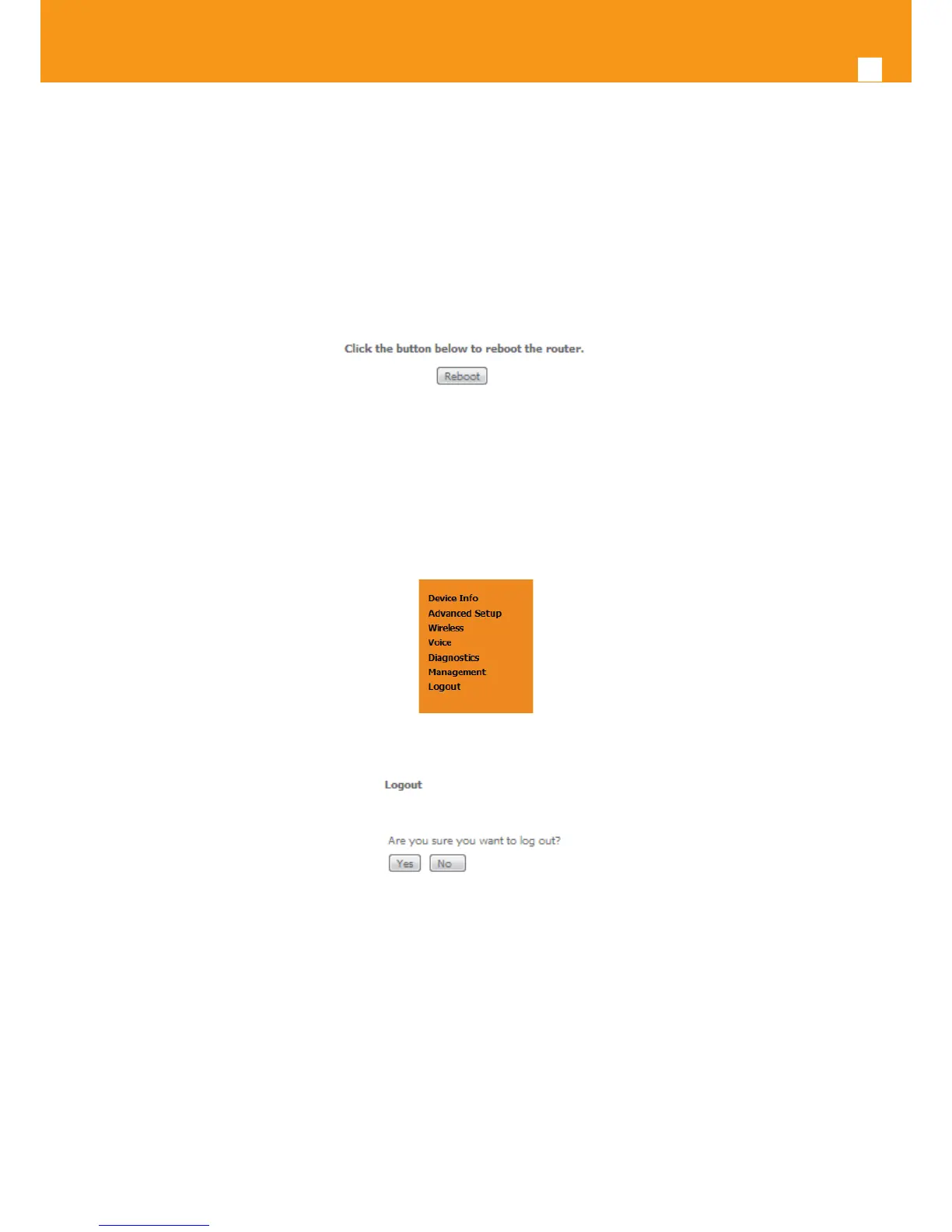
Selection of Management menu item Reboot, will display a Reboot window, Figure 5-195.
This window allows the reboot of the Refs. 769501-769502.
A short on line help text is provided in the window.
To Reboot the Refs. 769501-769502 use the button Reboot.
Figure 5-195: Management, Reboot window
5.11 Logout
Selection of menu item Logout, Figure 5-196, will allows ending the user account session on the Refs. 769501-769502. A logout conrmation
window will be displayed, Figure 5-197. Selection of Yes will conrm logout and terminate user session.
Figure 5-196: Logout menu item
Figure 5-197: Logout window



 To Next Page