13 testo DataControl PC software
112
13.7.3 Delete function
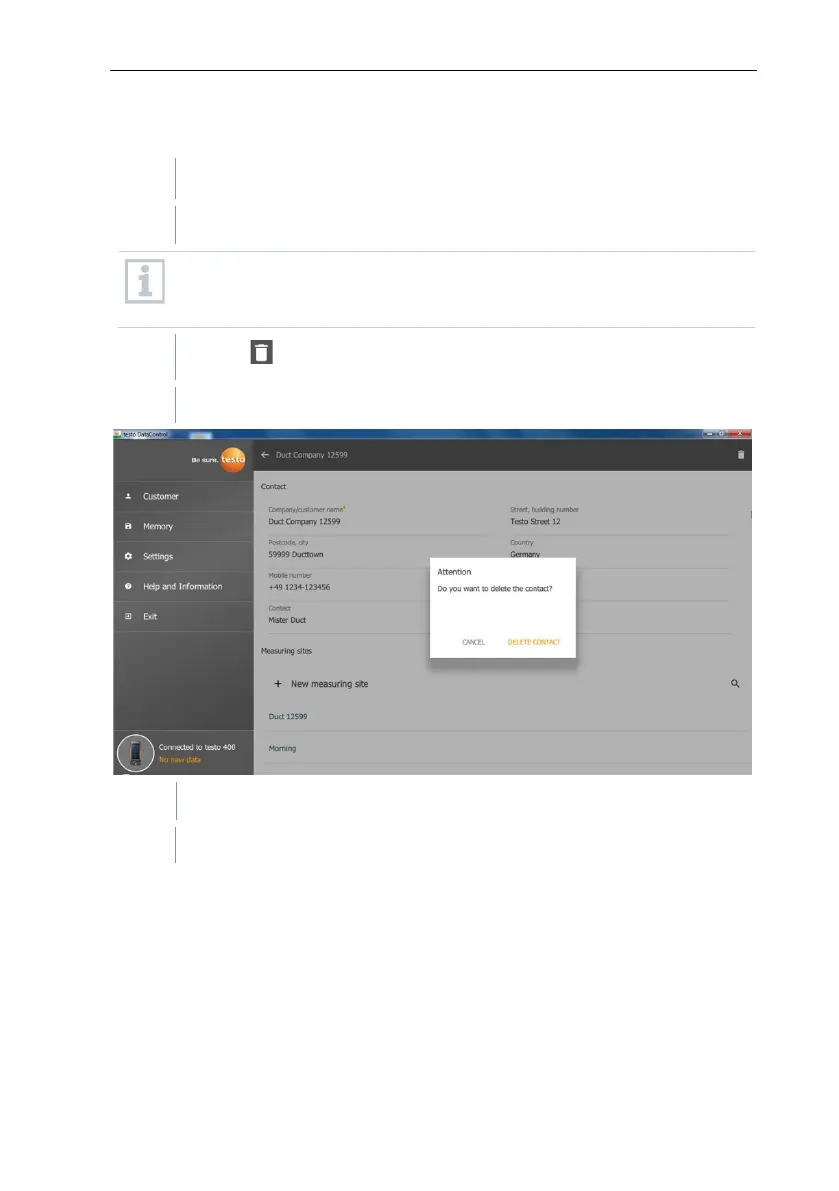
The Customer menu is open.
Click on the required customer (or measuring site).
The stored customer plus all measuring site information are deleted. All
measurements carried out must be deleted separately in the Memory
menu.
Click on .
Information window is displayed.
Click on Delete Contact (or measuring site).
The customer (or measuring site) was deleted.



 To Next Page