9 Operation
25
Further information
Multiple selection
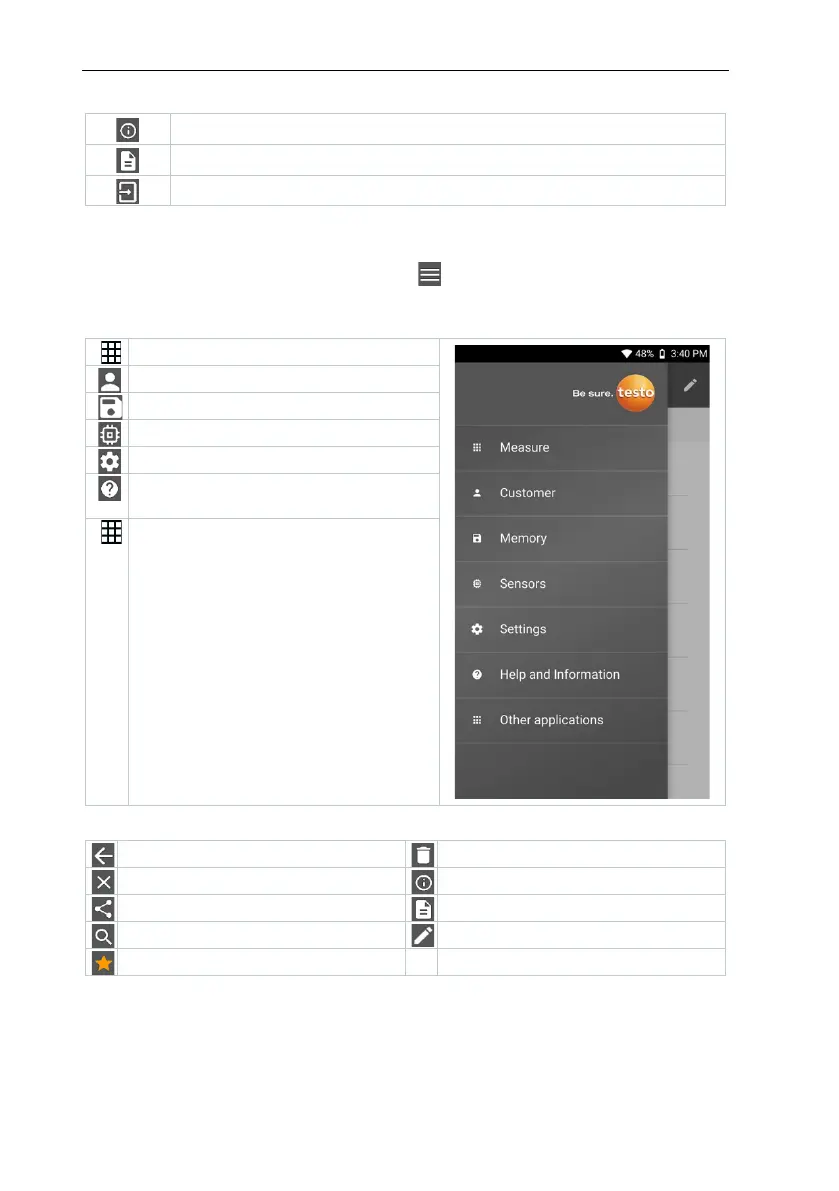
9.2 Main menu
The Main menu can be accessed via the icon at top left. To exit the main
menu, select a menu or right-click on the guided menus. The last screen
displayed is shown.
Measure (see Section 9.4)
Customer (see Section 9.5)
Sensors (see Section 9.7)
Settings (see Section 10)
(see Section
Other applications (see Section
10.4.5)
Additional icons on the testo 400:
Share measurement data/reports



 To Next Page