9 Operation
71
9.6.1 Managing measurement data
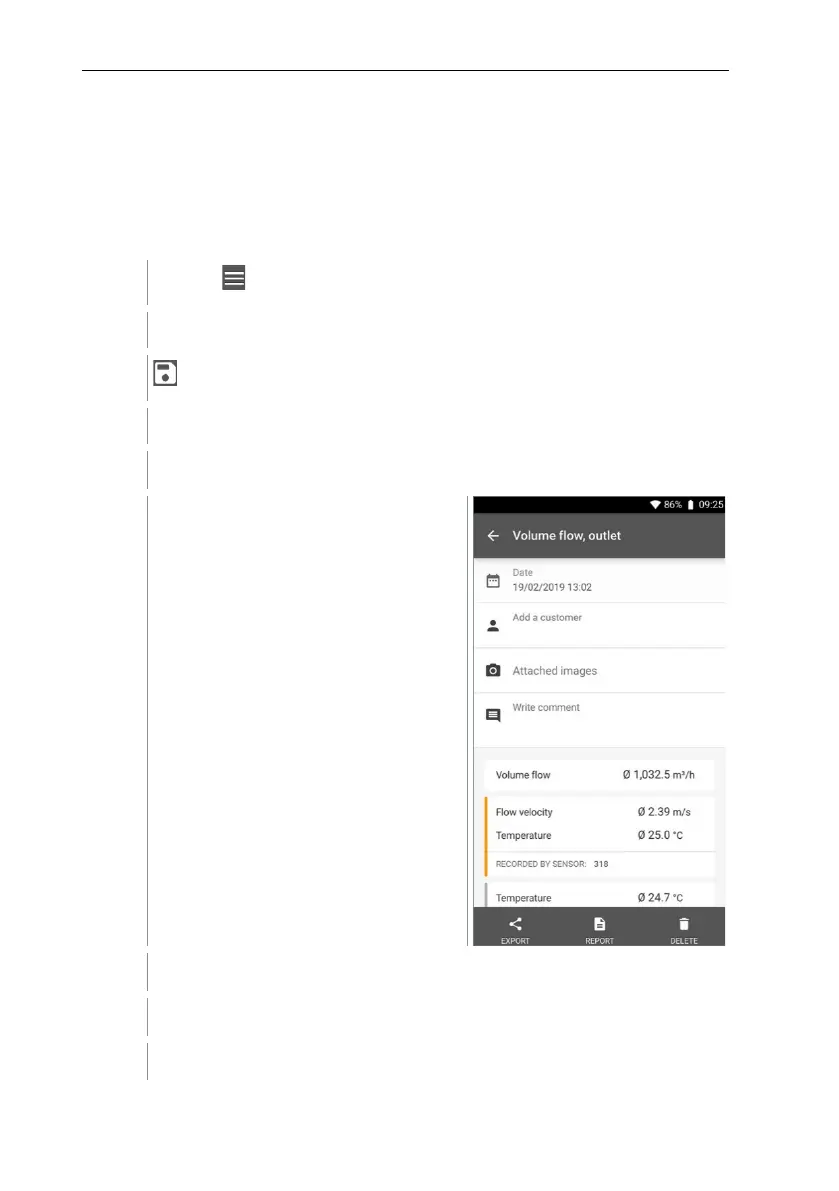
After clicking on a saved measurement, the corresponding results screen is
displayed. All properties for the measurement are listed there. Customer and
measuring site information can be stored, images and comments can be added
and PDF reports, CSV and JSON data can be created and exported via
Bluetooth or e-mail.
Click on .
Main menu opens.
Click on Memory.
The Memory menu opens.
Click on the required measurement.
The measurement opens.
If required, click on Add a customer (see Section 9.5).
If required, click on Attached images.
Image can be added from the Directory or taken with the Camera.



 To Next Page