8 Commissioning
18
8.3 Touchscreen
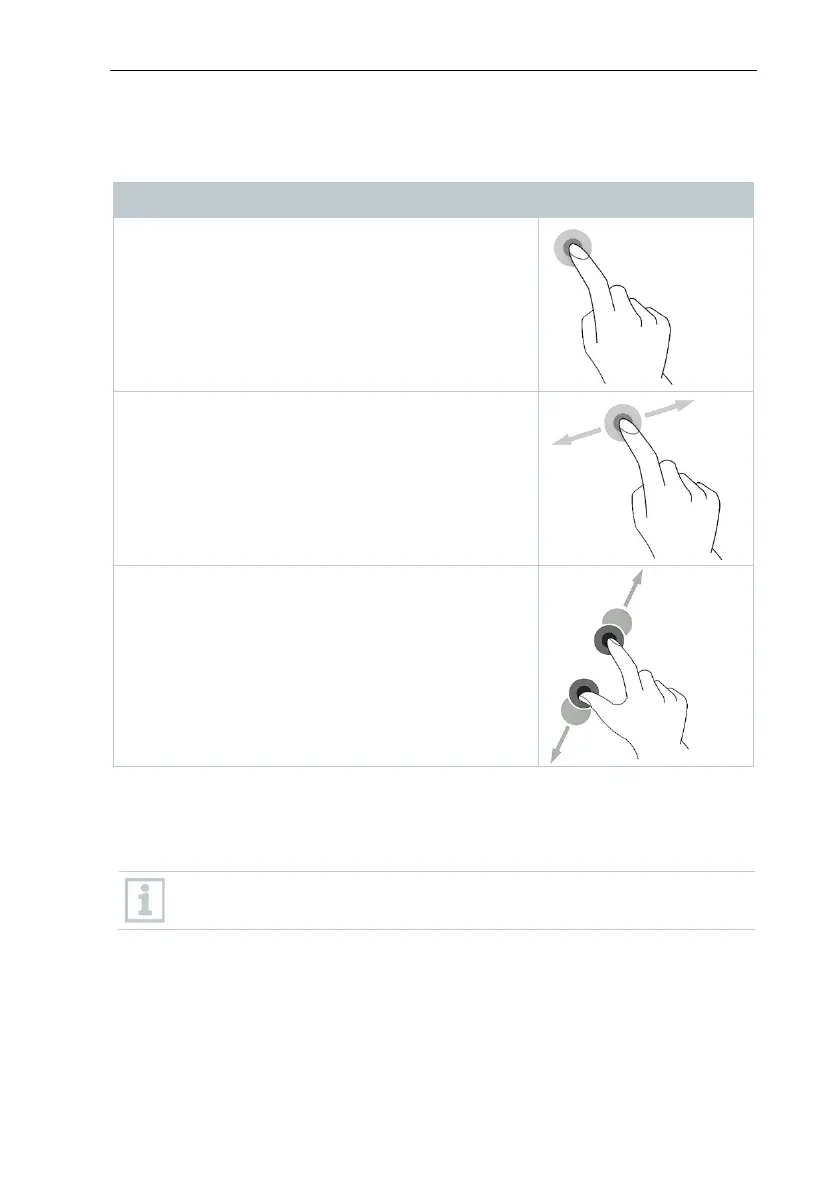
You only need three touchscreen movements to use the testo 400:
Description
To open applications, select menu icons, press
buttons on the display or enter characters with the
keypad, tap these with a finger in each case.
Swipe to the right or left on the display to show
further views, e.g. to switch from the list view to the
graphic view.
In order to make a section of the display larger or
smaller, touch the display with two fingers and
move them apart or together.
8.4 Setup wizard
When the testo 400 is started up for the first time, the setup wizard is activated
and guides you step-by-step through the following setting parameters.
The instrument setup that is implemented can be adapted at any time in
the Settings menu.
8.4.1 Select language
The first step is to select the language for using the testo 400.



 To Next Page