14 IAQ data logger
128
14.6.2 Carrying out a measurement with the IAQ
data logger
Click on Measure.
Measurement programs are displayed.
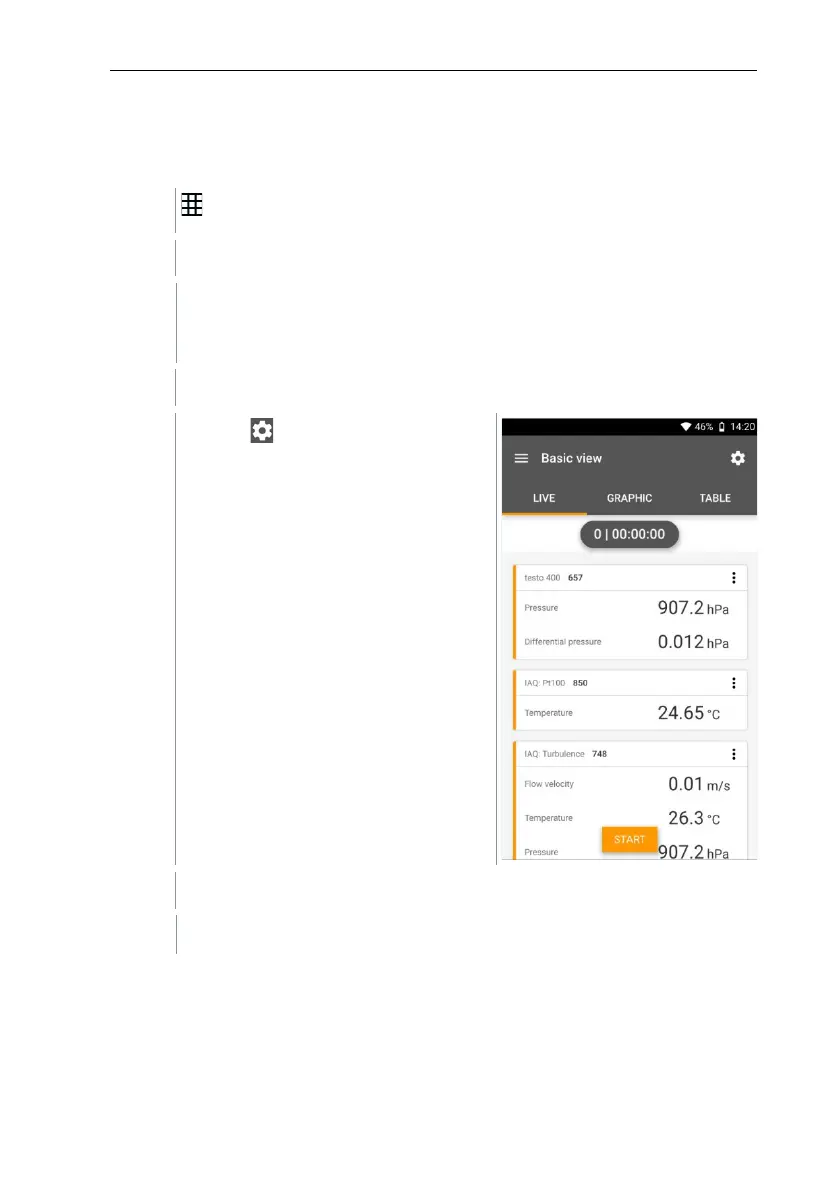
Select the measurement program in conjunction with the IAQ data
logger. (Basic view, Comfort level – PMV/PPD or Discomfort - draught
rate)
The measurement menu opens.
Click on .
Configuration menu opens.
Make the required settings.



 To Next Page