13 testo DataControl PC software
107
13.7 Customer management
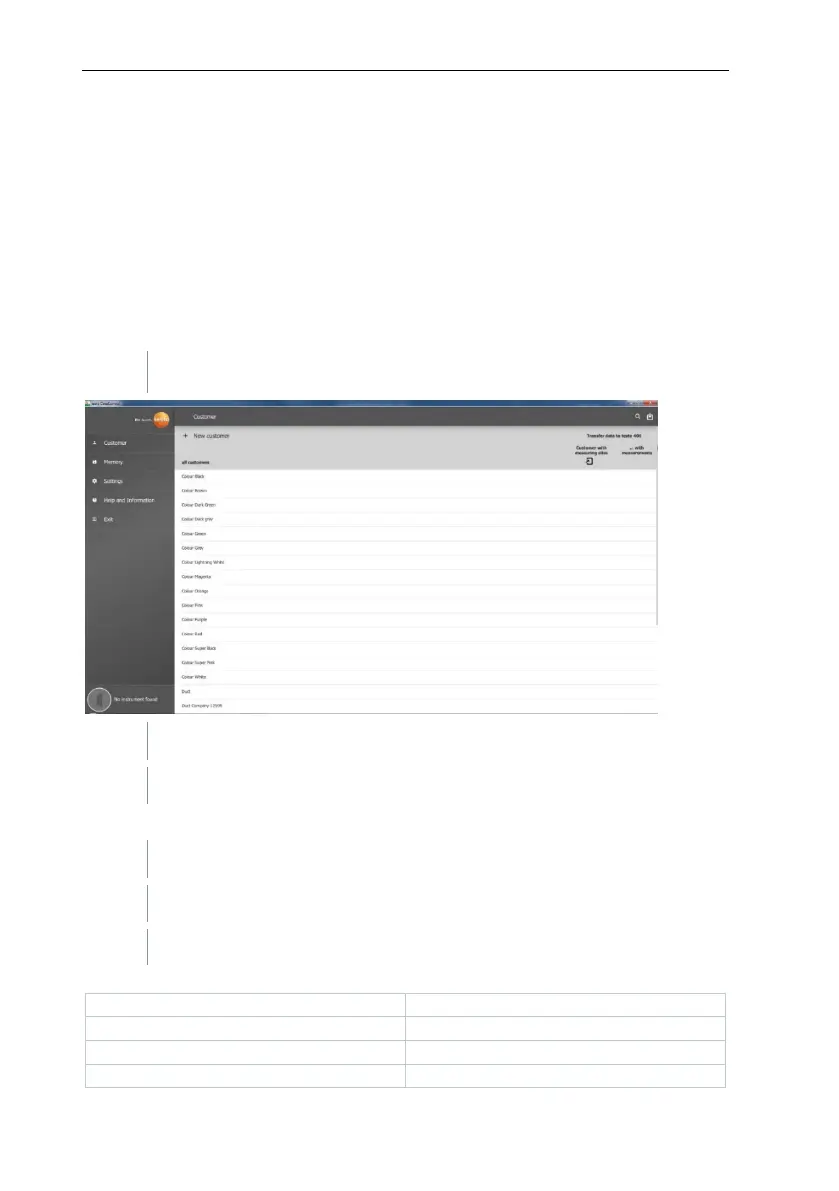
In the Customer menu, all customer and measuring site information can be
created, edited, deleted and transferred to the testo 400. All customer and
measuring site information created on the testo 400 is also displayed following
successful transfer to the software.
13.7.1 Creating and editing customers and
measuring sites
13.7.1.1 Customer
The Customer menu is open.
A new customer can be created in testo DataControl.
Editing existing customer data
Click on existing customer name.
Separate customer view is opened.
The customer can be edited.
The following customer information can be saved and/or changed:



 To Next Page