9 Operation
81
9.7.2 Calibration
For all sensors, calibration data can be stored under the Measurement
parameter tab for individual measurement parameters.
The probe is connected to the testo 400.
Click on .
Main menu opens.
Click on Sensors.
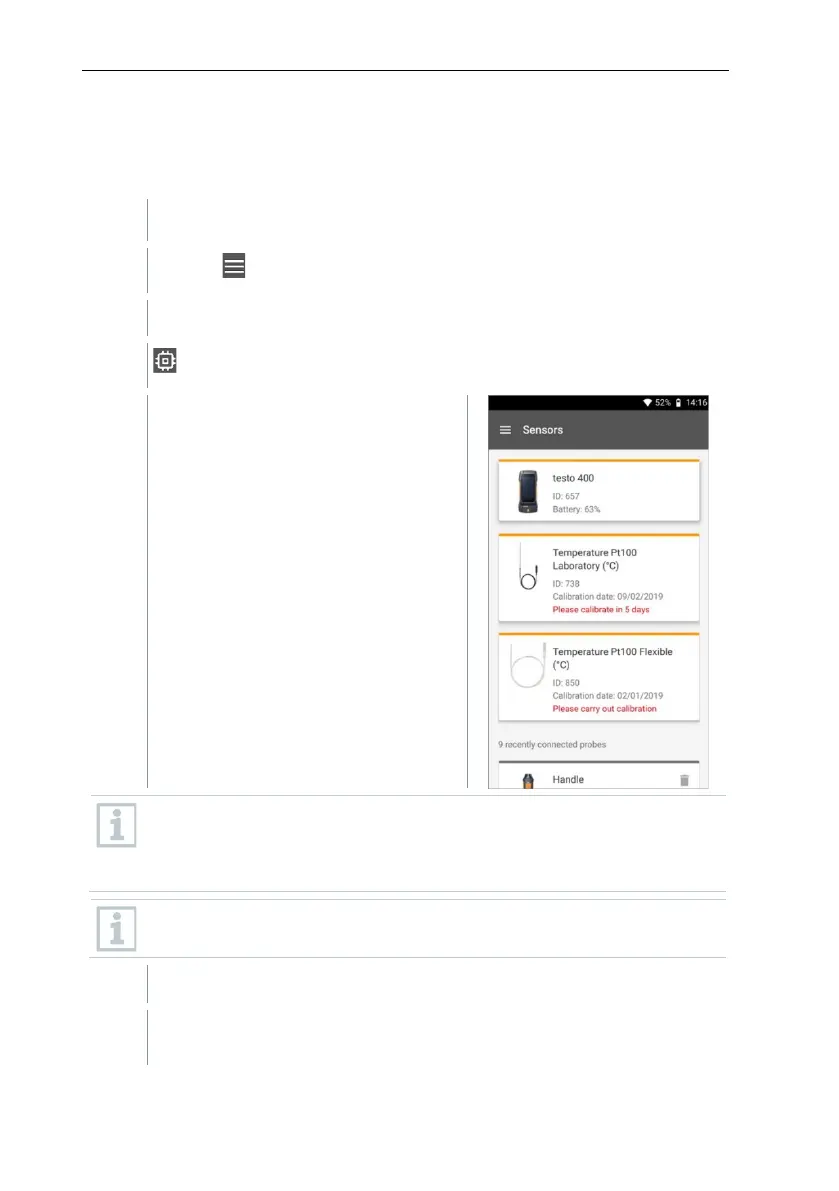
The Sensors menu opens.
From 14 days preceding expiry of the calibration reminder, a notice is
displayed in the sensor management for the relevant probe – Please
calibrate in x day. In addition, an orange dot is displayed in the
Sensors main menu as an indicator.
If the calibration reminder has already expired, the notice changes to
Please carry out calibration.
Click on one of the displayed probes.
Information is displayed about the model, order number, serial number
and firmware version.



 To Next Page