10 Settings
88
10 Settings
10.1 Carrying out a testo 400 update
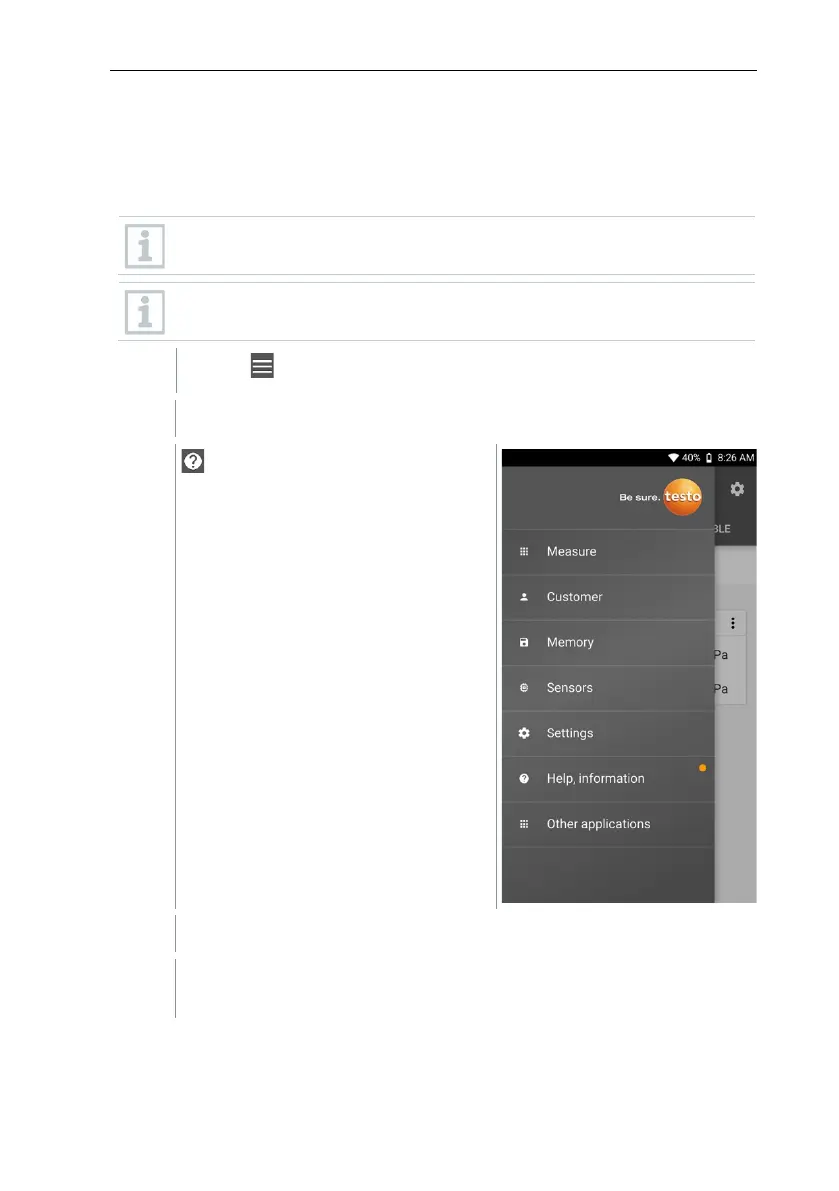
If a new update is available, an orange dot appears in the
Help, information.
This notification only appears if there is a WLAN connection. Otherwise,
it is not possible to check whether updates are available.
Click on .
Main menu opens.
Click on Help, information.
The Help and Information menu opens.
Click on Instrument information. If updates are available, the field is
also marked with an orange dot.



 To Next Page