13 testo DataControl PC software
104
13.5 Launching testo DataControl
The user interface of the software is opened in the language of the
operating system, if it is supported. If the operating system language is
not supported, the user interface will be in English.
Windows
®
7:
Click on [Start] | All Programs | Testo | testo DataControl (double-
click on left mouse button).
testo DataControl launches automatically.
Windows
®
8:
Click on Start | right mouse button | Search (Enter the application
name in the search field | testo DataControl (double-click on left
mouse button).
testo DataControl launches automatically.
Windows® 10:
Click on [Start] | All Apps | Testo | testo DataControl (double-click on
left mouse button).
testo DataControl launches automatically.
13.6 Connecting the testo 400
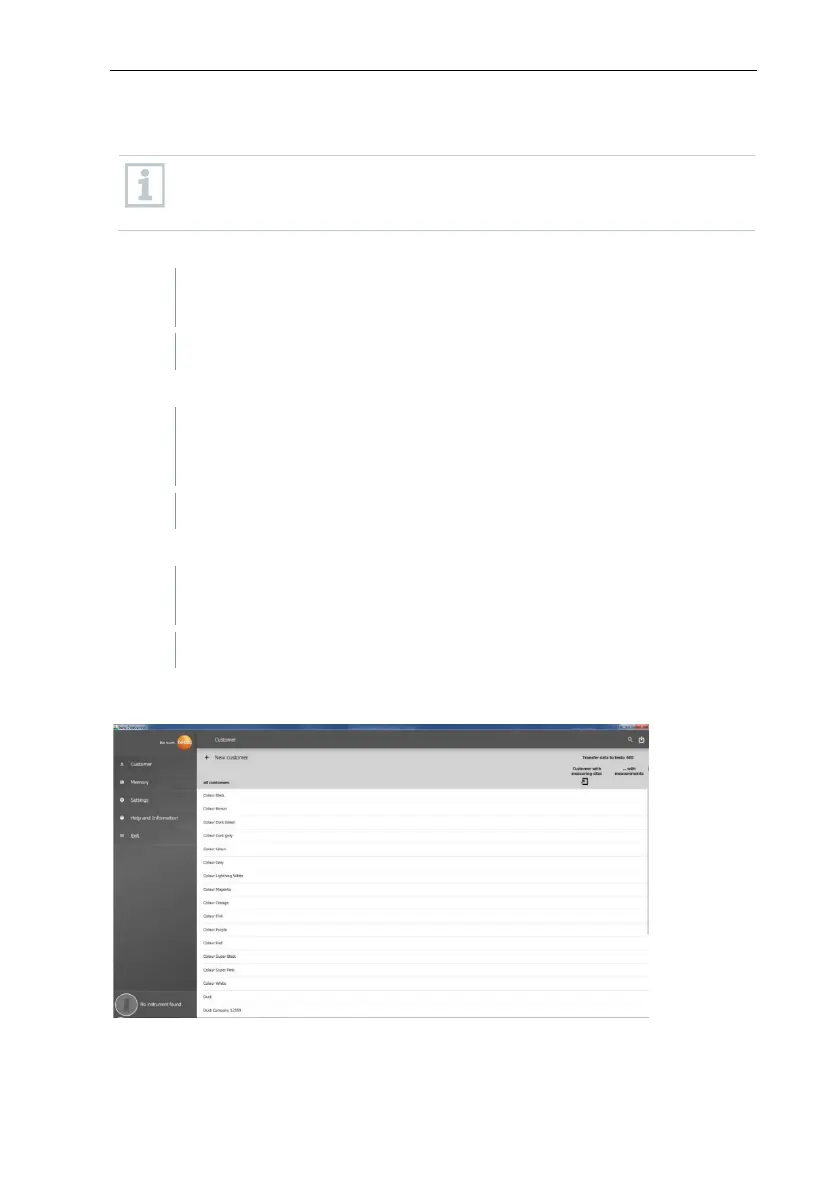
As long as the testo 400 is not connected to the computer, No Instrument
found is displayed at bottom left.
All customers are listed in all customers.



 To Next Page