9 Operation
80
9.7 Sensor management
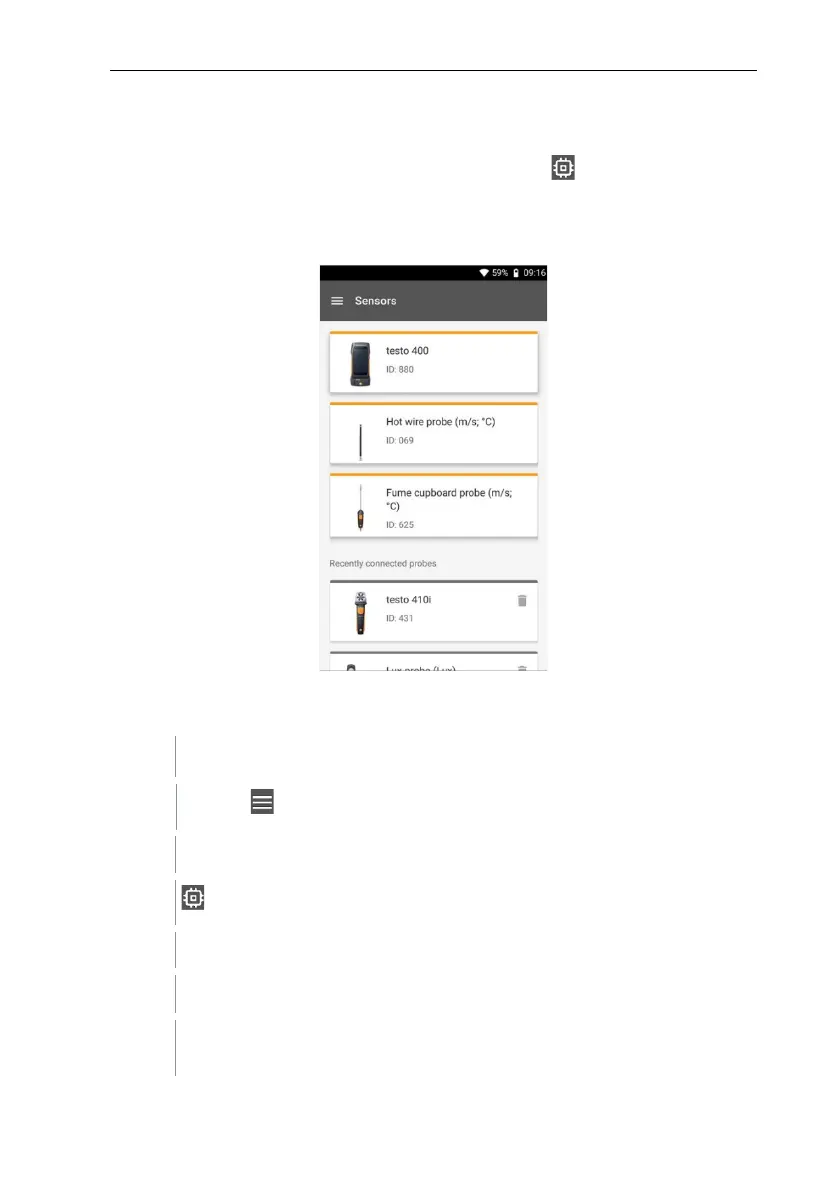
All sensors that the testo 400 uses can be found in the Sensors menu.
There, you can view general information about currently connected probes as
well as recently connected probes. In addition, you can enter and call up
calibration information, activate damping and carry out adjustment and humidity
calibration.
9.7.1 General information about the probes
Information is stored for each probe.
The probe is connected to the testo 400.
Click on .
Main menu opens.
Click on Sensors.
The Sensors menu opens.
Click on one of the displayed probes.
Information is displayed about the model, order number, serial number
and firmware version.



 To Next Page