9 Operation
62
If the readings fluctuate wildly, it is
advisable to damp the readings (see
Section 9.7.5).
9.5 Customer management
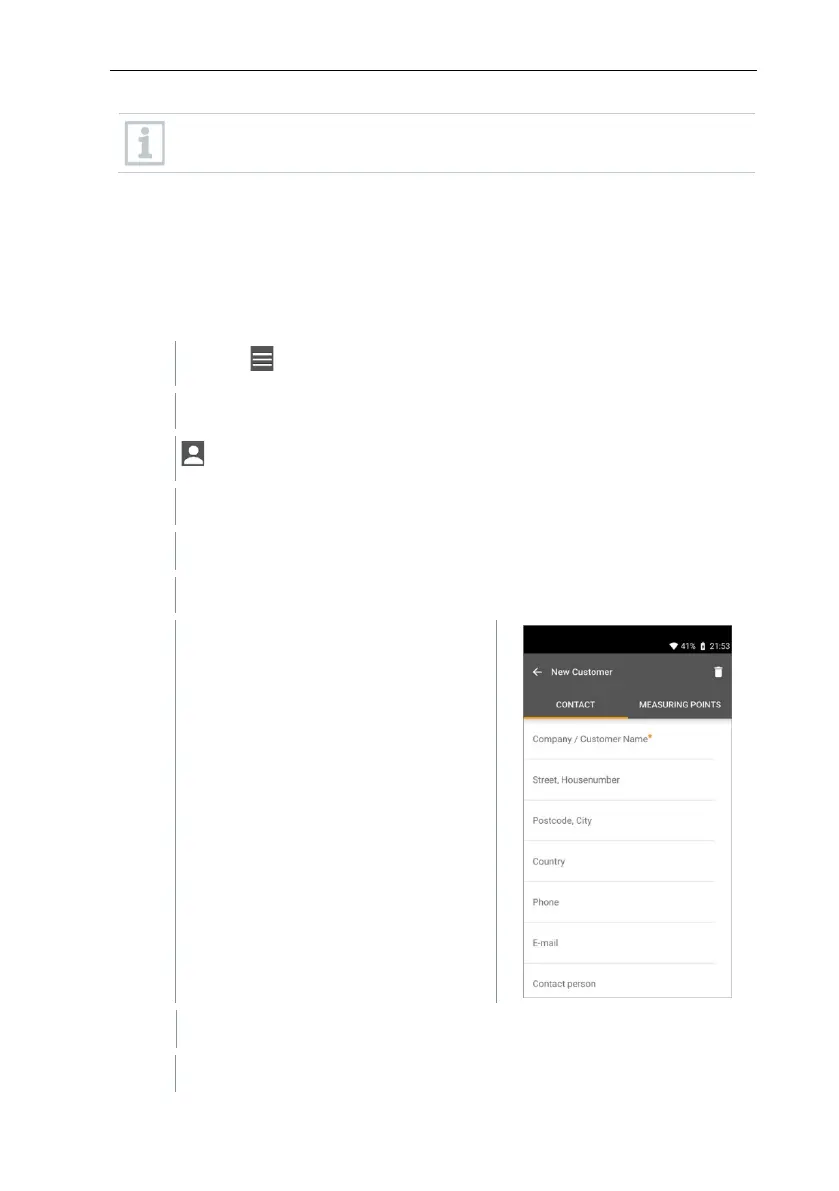
In the Customer menu, all customer and measuring site information can be
created, edited and deleted. Fields marked with * are mandatory. Without any
information in this field, no customers or measuring sites can be stored.
9.5.1 Creating and editing a customer
Click on .
Main menu opens
Click on Customer.
The Customer menu opens.
A new customer can be created.
Store all relevant customer data.
The new customer was saved.



 To Next Page