10 Settings
99
Click on Quickstart Guide or Instruction Manual.
The Quickstart Guide for the testo 400 including IAQ data logger and
the testo DataControl software are displayed in pdf format.
10.4.4 Calling up legal information
Click on .
Main menu opens.
Click on Help and Information.
The Help and Information menu opens.
Click on Exclusion of liability.
The data protection information and licence usage information is
displayed.
10.4.5 Other applications
Click on .
Main menu opens.
Click on Other applications.
The Other applications menu opens.
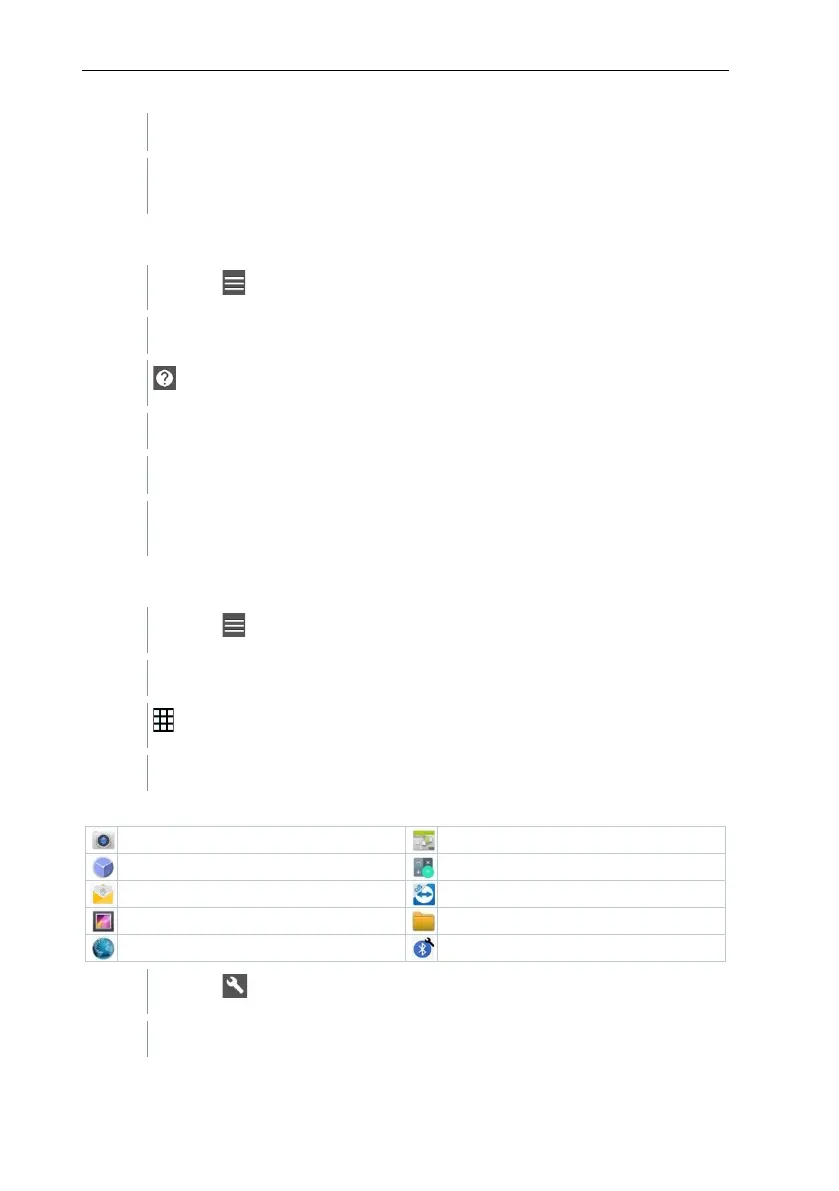
In the Other applications menu, you will find the following applications:
Click on .
Information window opens.



 To Next Page