8 Commissioning
22
8.6.3 Probe update
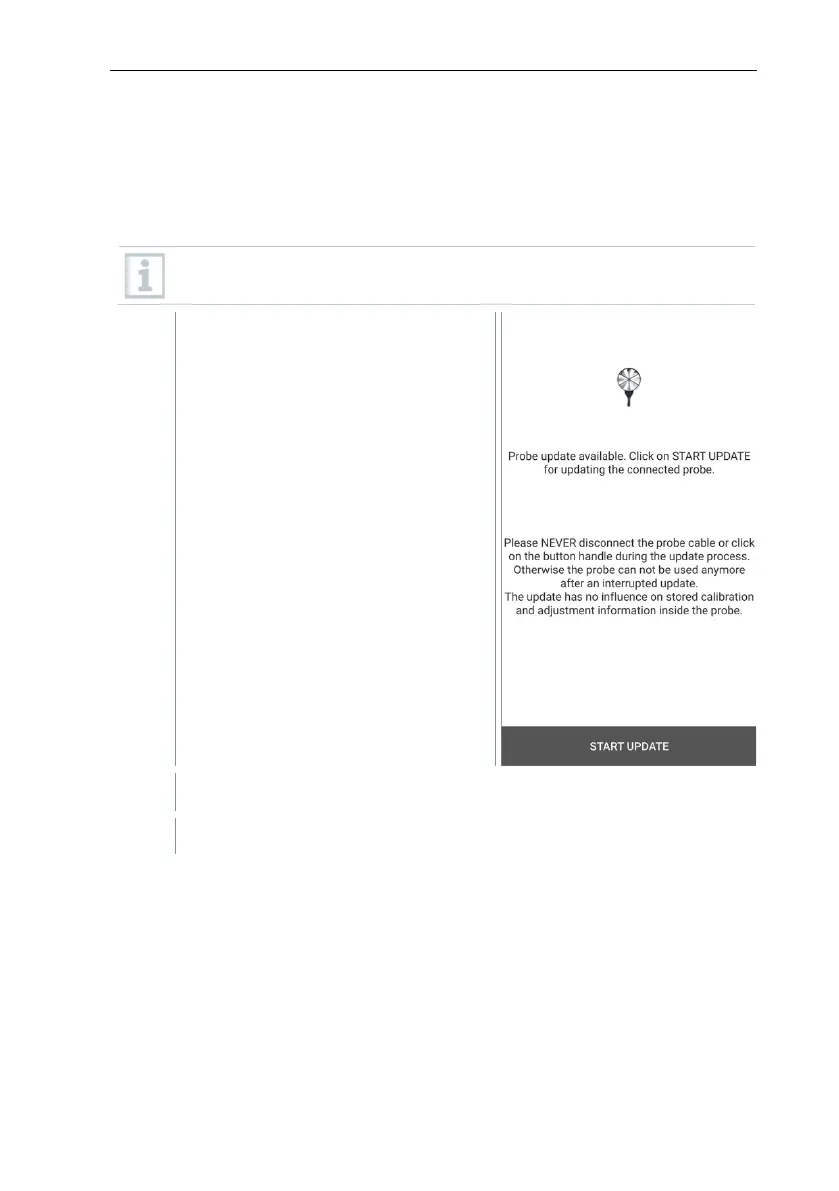
If the probe does not have the latest firmware, an update notification appears
(this requires activation of the relevant switch in the Instrument information
menu (Section 10.1 / 10.4.1). This is only possible for cable probes, but you can
also connect and update other probe heads with the cable handle.
The connection must NOT be interrupted during the probe update. The
update must be carried out completely.
Update notification appears.
Update starts.



 To Next Page