9 Operation
78
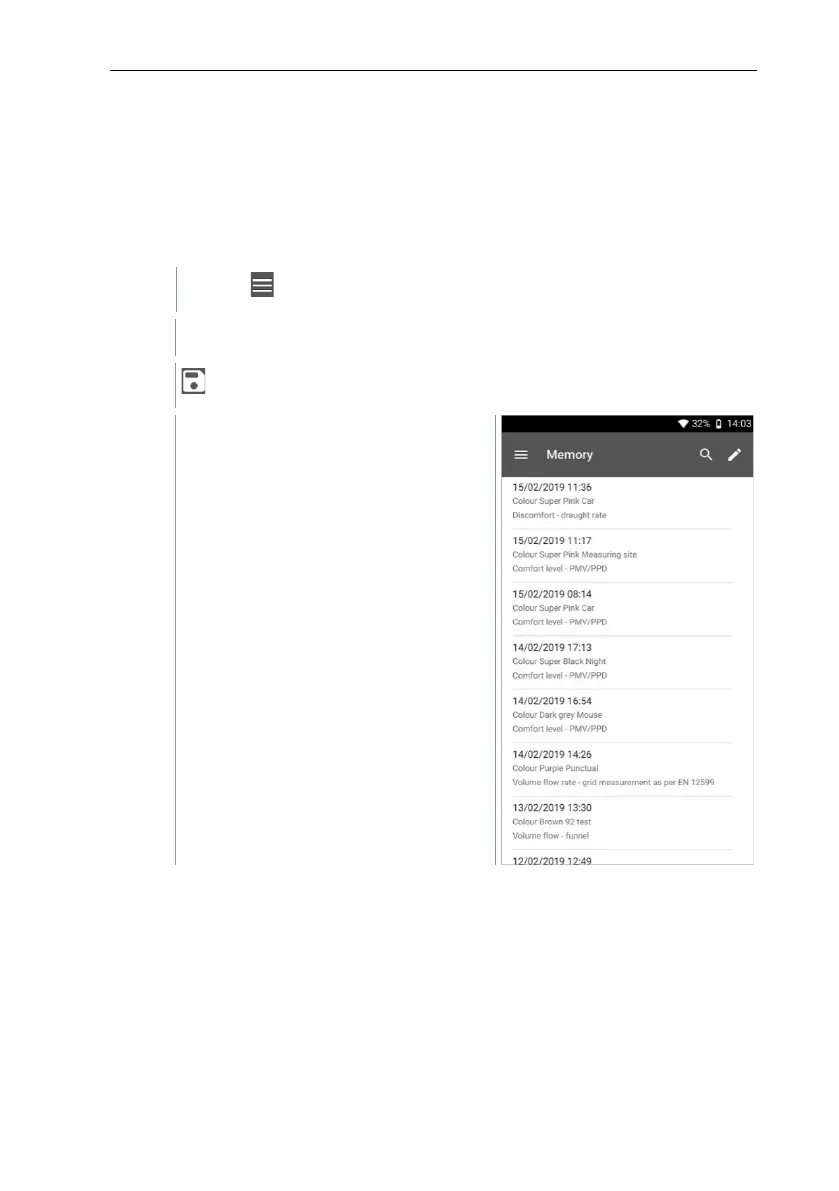
9.6.3 Searching for measurement data
The search function allows you to quickly and easily filter the measurements you
are searching for according to certain search terms. Both the customer and
measuring site names as well as the descriptions of the applications are
included in the search. This makes it possible, for example, to filter by customer
name or the term PMV or draught rate.
Click on .
Main menu opens.
Click on Memory.
The Memory menu opens.



 To Next Page