9 Operation
77
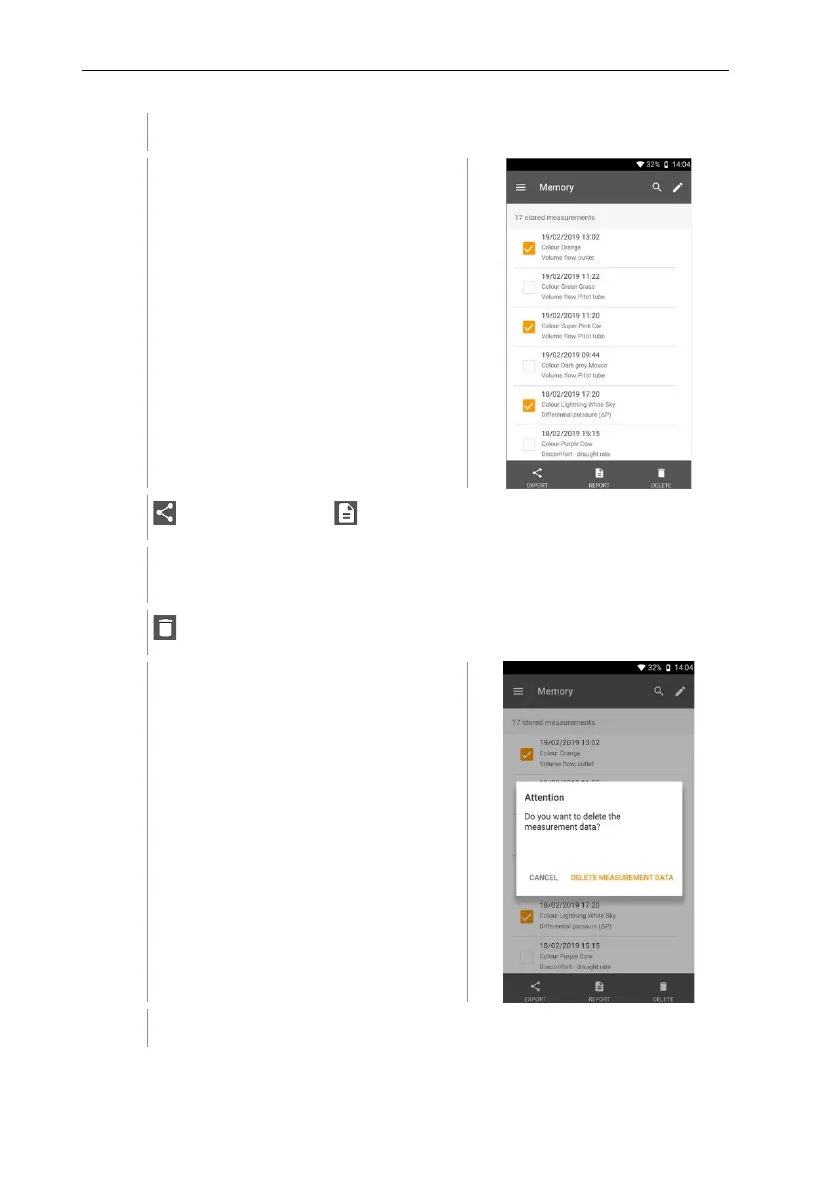
Click on the selection fields for the required measurements.
The measurements are marked with
a tick.
Click on Export or Report.
All marked measurements are sent as CSV or JSON files or as PDF
reports via Bluetooth
®
or e-mail.
Click on Delete.
A selection window is displayed and
the selected measurement reports
can be deleted.
Click on Delete Measurement Data or Cancel.



 To Next Page