13 testo DataControl PC software
122
13.9 Settings
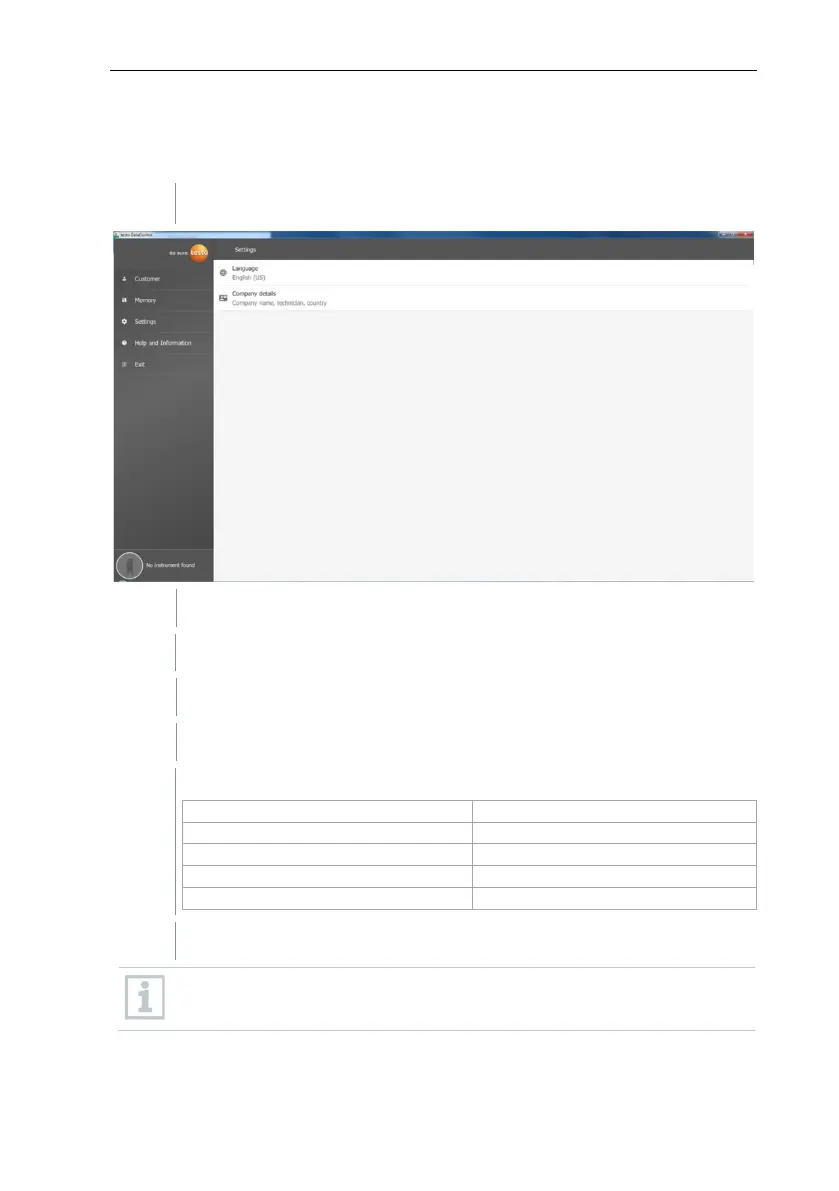
Under Settings, the company details can be saved and the language selected.
The Settings menu is open.
Selection window opens.
Click on Company details.
Fill in the following fields:
If necessary, upload logo
By default, the company logo and company details are displayed below
the measurement results in all csv files (without company logo) and in
the PDF reports on the letterhead.



 To Next Page