10 Settings
96
10.3.6 Display settings
Click on .
Main menu opens.
Click on Settings.
The Settings menu opens.
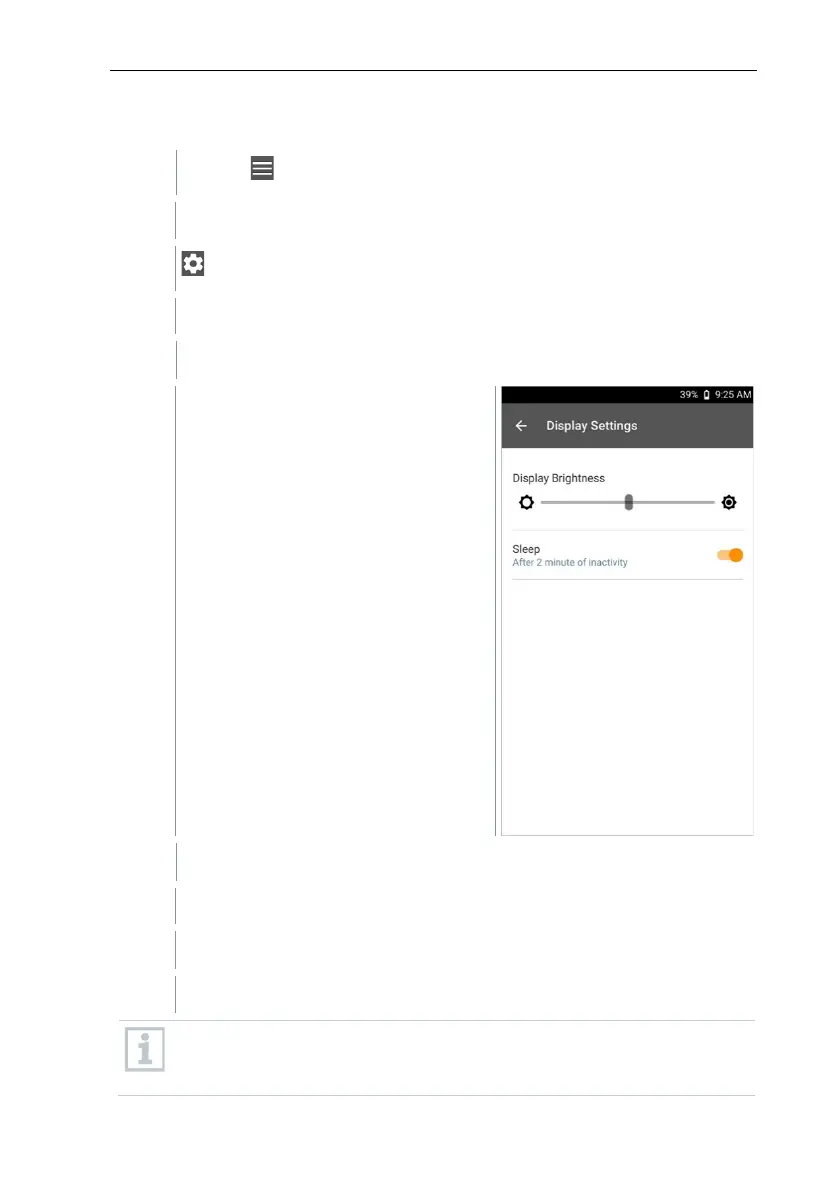
Click on Display Settings.
The Display Settings menu opens.
For the Display Brightness, move the controller to the left or right.
The display becomes brighter or darker.
Enable Sleep using the slider.
Sleep is enabled (or disabled).
When clicking on Sleep
, you can select whether the display switches to
sleep mode after 2 minutes and becomes inactive. The display is
activated again by briefly pressing the On/Off switch.



 To Next Page