13 testo DataControl PC software
105
As soon as the testo 400 is connected via a USB cable to a computer,
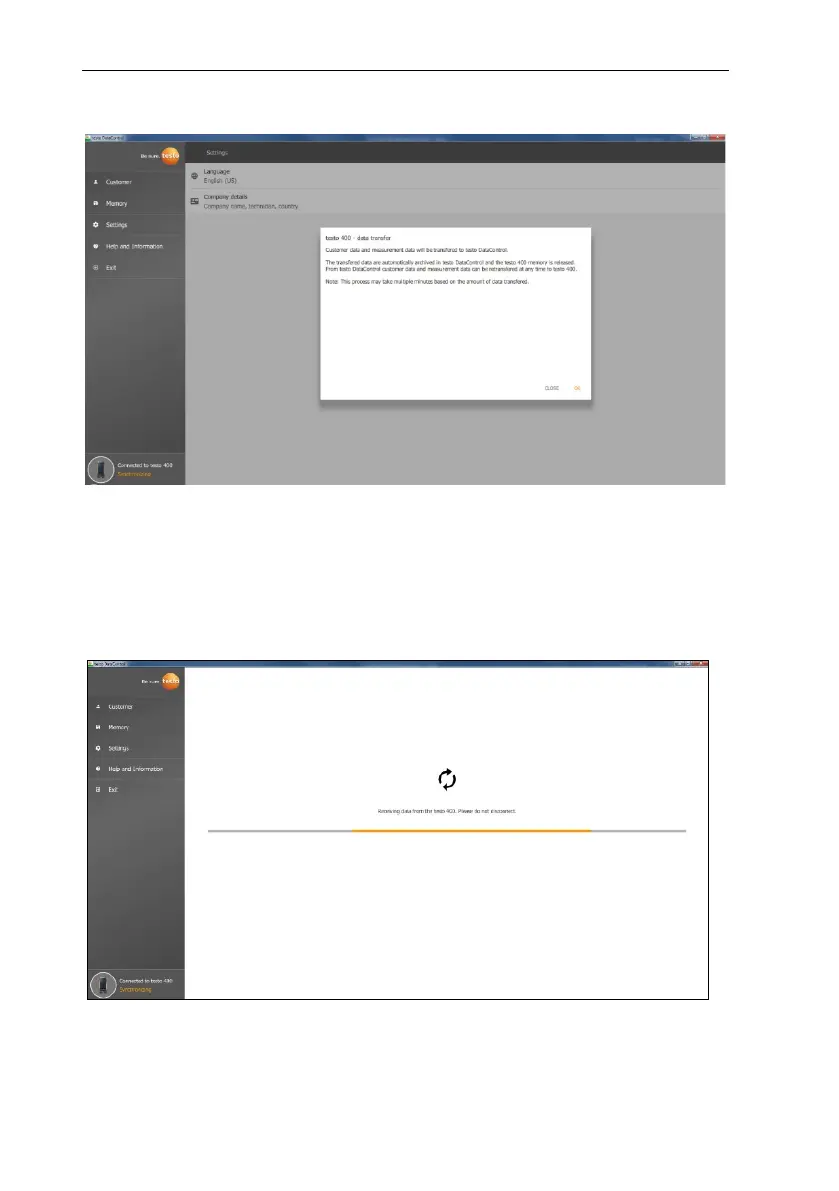
Connected to testo 400 – Synchronizing is displayed at bottom left.
A message about data transfer is displayed. Confirm by pressing OK to transfer
all customer and measurement data from the testo 400 to the software. The
testo 400 memory is then empty. Depending on requirements, customer and
measurement data as well as measuring site information can be transmitted
back.
Click on Close to use the software normally, however no data will be transferred
from the software to the testo 400. To start the data transfer manually, click on
Synchronizing at bottom left. No message about the data transfer from the
instrument is displayed, and the synchronization starts immediately.



 To Next Page